Understanding the Blueprint: What Exactly is a Wireframe?
At its core, a wireframe is a two-dimensional, low-fidelity, skeletal outline of a digital product, such as a website page or an application screen. Think of it as the architectural blueprint for your digital interface. Before a single nail is hammered or a wall is painted in a physical building, architects draft detailed plans to define the structure, spatial relationships, and functional elements. Similarly, a wireframe strips away all aesthetic considerations – colors, fonts, images – to focus solely on the layout, content hierarchy, and functionality.
The term “wireframe” itself evokes the idea of a framework built from lines and shapes, devoid of visual embellishments. Its primary purpose is to define where elements will be placed on a page, how content will be organized, and what interactive components will be present. It answers fundamental questions like: “Where does the navigation go?”, “What’s the main call-to-action on this page?”, and “How will users move from one section to another?”
Wireframe vs. Mockup vs. Prototype: Clarifying the Stages
- Wireframe: This is the very first visual representation of your product’s structure. It’s typically black and white or grayscale, using simple boxes and lines to represent content blocks, buttons, and navigation. Its focus is on layout and functionality, not appearance.
- Mockup: Building upon the wireframe, a mockup introduces visual design elements. This is where colors, typography, imagery, and branding start to take shape. Mockups are static, high-fidelity representations that show what the final product will look like, but they aren’t interactive.
- Prototype: A prototype takes the visual design of a mockup and adds interactivity. It simulates the user experience, allowing you to click buttons, navigate between pages, and interact with elements as if it were the live product. Prototypes can range from low-fidelity (interactive wireframes) to high-fidelity (fully designed, clickable experiences).
Understanding these distinctions is crucial because each stage serves a unique purpose in the design process. Wireframes are the foundational step, ensuring the underlying structure is sound before investing time and resources into visual design and development.
The Indispensable Role of Wireframing in Creative Projects
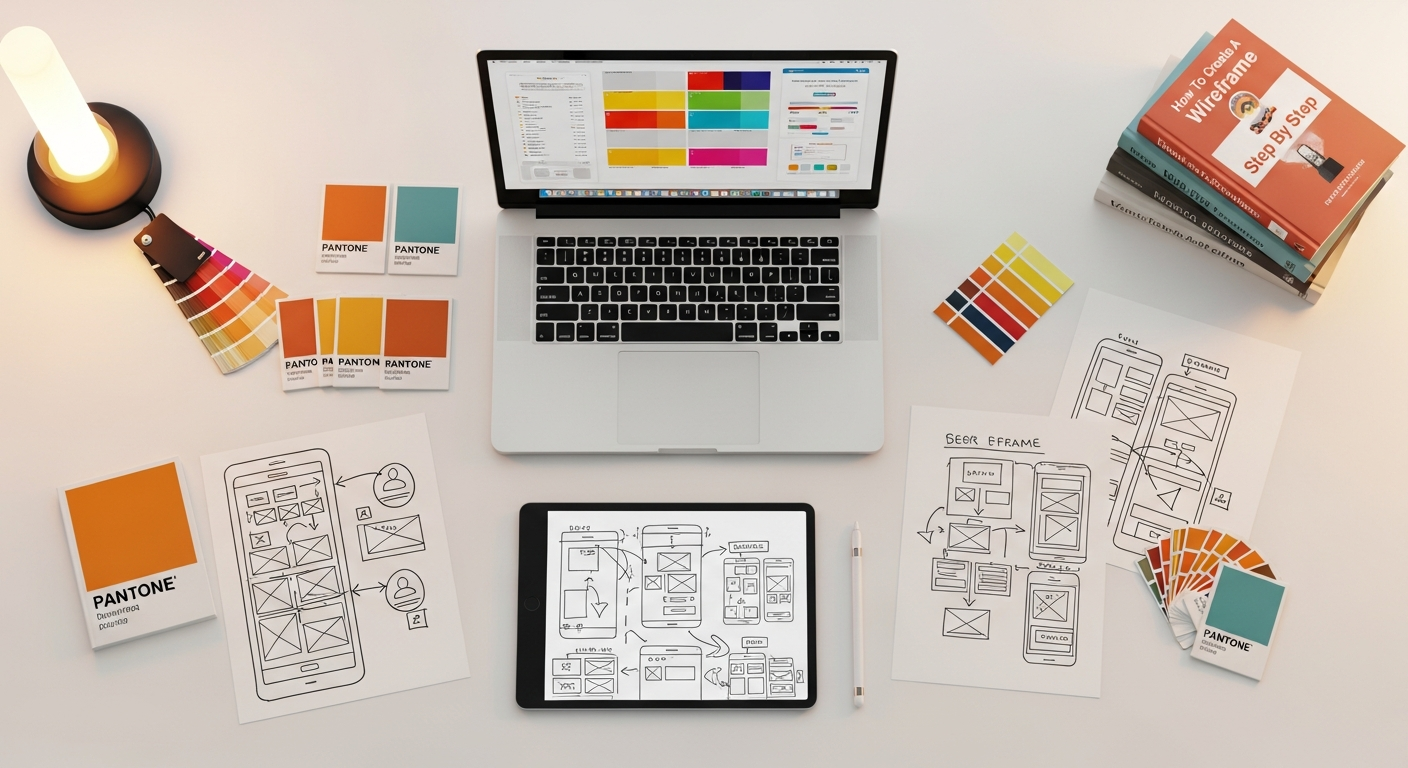
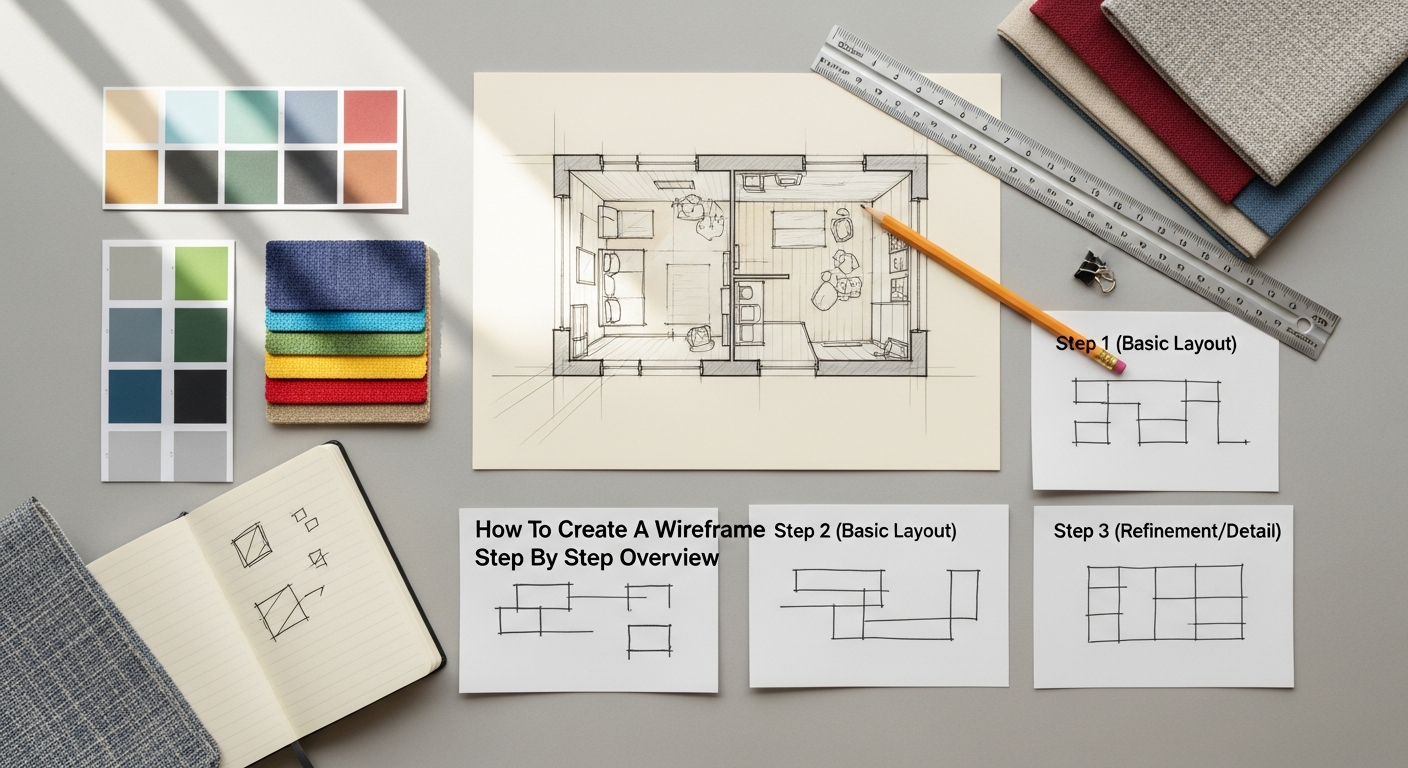
Wireframing isn’t just a technical exercise; it’s a strategic imperative for any creative endeavor involving digital interfaces. Its benefits extend far beyond simply sketching out a layout, impacting efficiency, communication, and ultimately, the success of the final product.
Why Wireframing Matters for Success
- Saves Time and Money: Imagine building a house without a blueprint, only to discover halfway through that a wall needs to be moved, or a doorway is in the wrong place. The cost and effort of such a change would be immense. The same principle applies to digital products. Identifying structural or functional flaws in the wireframing stage, when changes are quick and inexpensive to make, prevents costly rework during visual design or, even worse, after development has begun. It’s significantly cheaper to redraw a box than to recode an entire section of an application.
- Facilitates Early Feedback and Iteration: Wireframes provide a tangible artifact that stakeholders, clients, and potential users can react to. Because they are low-fidelity and lack visual distractions, feedback naturally focuses on core functionality, user flow, and content organization, rather than subjective preferences about colors or fonts. This focused feedback loop allows for rapid iteration and refinement of the core concept, ensuring the product evolves in the right direction from the outset.
- Focuses on Functionality and User Experience (UX): This is where the concept of What Is UX Design And Why It Matters becomes profoundly relevant. Wireframes are inherently a UX tool. By stripping away aesthetics, they force designers to concentrate on the user’s journey, task completion, and overall interaction with the interface. They help answer questions like: “Is this button clear?”, “Can users find the information they need easily?”, and “Does the flow make logical sense?” A well-crafted wireframe is a direct reflection of thoughtful UX design, prioritizing usability, accessibility, and efficiency for the end-user. It ensures that the product doesn’t just look good, but actually works well and meets user needs.
- Improves Communication Among Teams: Designers, developers, content creators, and project managers often speak different professional languages. Wireframes act as a universal visual language, bridging these communication gaps. Developers can understand the intended functionality, content creators can visualize where their text and media will fit, and designers have a clear structural foundation to build upon. This shared understanding minimizes misunderstandings and ensures everyone is working towards a unified vision.
- Defines Information Hierarchy: Wireframes are crucial for establishing the visual hierarchy of content. They help determine which elements are most important and how they should be presented to guide the user’s eye and attention. This might involve using larger boxes for primary content, distinct placement for calls-to-action, or clear separation for navigation elements. A well-defined hierarchy ensures users can quickly scan and comprehend the page’s purpose and key actions.
In essence, wireframing isn’t a mere suggestion; it’s a critical investment in the success of any digital project. It ensures that the foundation is solid, the user’s needs are met, and the entire team is aligned, setting the stage for a truly impactful and user-friendly product in 2026.
Laying the Groundwork: Essential Pre-Wireframing Steps
1. Define Project Goals and User Needs
Every successful digital product starts with a clear understanding of its purpose and its audience.
- Project Goals: What is this product trying to achieve? Is it to increase sales, generate leads, provide information, entertain, or streamline a process? Specific, measurable, achievable, relevant, and time-bound (SMART) goals will guide every design decision.
- User Needs & Personas: Who are your target users? What are their demographics, behaviors, motivations, and pain points? Creating detailed user personas – fictional representations of your ideal users – helps humanize your audience and ensures you design with their specific needs in mind. Conduct user research through surveys, interviews, and observations to gather this vital information. Understanding user needs is paramount for building a truly user-centric experience, aligning directly with the principles of What Is UX Design And Why It Matters.
2. Content Inventory and Site Map
Before you can organize content, you need to know what content you have (or will need).
- Content Inventory: List every piece of content that will potentially reside on your site or app. This includes text, images, videos, documents, forms, and interactive elements. For existing projects, this means auditing current content. For new projects, it involves outlining content requirements.
- Site Map / App Flow: Once you have your content inventory, you can begin to organize it into a logical structure. A site map visually represents the hierarchy of pages and how they connect. For an app, this might be an “app flow” diagram. This step helps define the overall navigation structure and ensures all necessary pages are accounted for.
3. Information Architecture Explained: Structuring Your Content
This is arguably one of the most critical pre-wireframing stages. Information Architecture (IA) Explained is the art and science of organizing and labeling content to make it usable and findable. A robust IA is the invisible backbone of a good user experience, guiding users effortlessly through vast amounts of information. Without a clear IA, even the most beautifully designed interface can be frustrating to use.
Key components of Information Architecture include:
- Organization Systems: How content is grouped and categorized (e.g., by topic, task, audience, chronology, or metaphor).
- Labeling Systems: The naming conventions for navigation items, categories, and content. Labels should be clear, concise, and consistent.
- Navigation Systems: How users browse or move through the content (e.g., global navigation, local navigation, contextual navigation, breadcrumbs).
- Search Systems: How users find information by entering queries.
Techniques like card sorting (where users group content items into categories they define) and tree testing (where users are asked to find items within a proposed site structure) are invaluable for validating your IA with real users before committing to design. A strong IA directly translates into intuitive navigation and logical content placement within your wireframes.
4. User Flows and Journey Maps
While the site map shows the overall structure, user flows and journey maps illustrate specific paths users will take to complete tasks.
- User Flows: These diagrams map out the sequence of steps a user takes to achieve a particular goal (e.g., “sign up for an account,” “purchase a product,” “contact support”). They help identify potential roadblocks and ensure a smooth, logical progression.
- User Journey Maps: These are more detailed, encompassing the user’s emotional state, thoughts, and interactions across various touchpoints (both digital and physical) as they try to achieve a goal. While perhaps more detailed than strictly necessary for basic wireframing, understanding the journey enhances empathy and informs design decisions.
5. Competitor Analysis
Investigate what your competitors are doing well and where they fall short. This isn’t about copying, but about learning from existing solutions. Analyze their site structure, navigation patterns, key features, and overall user experience. This research can inspire ideas, highlight best practices, and help you identify opportunities to differentiate your product.
By thoroughly completing these pre-wireframing steps, you’ll approach the actual wireframing process with a solid strategy, a clear understanding of your users, and a well-defined content structure, significantly increasing the likelihood of creating an effective and user-friendly digital product.
Step-by-Step Guide to Crafting Your First Wireframe

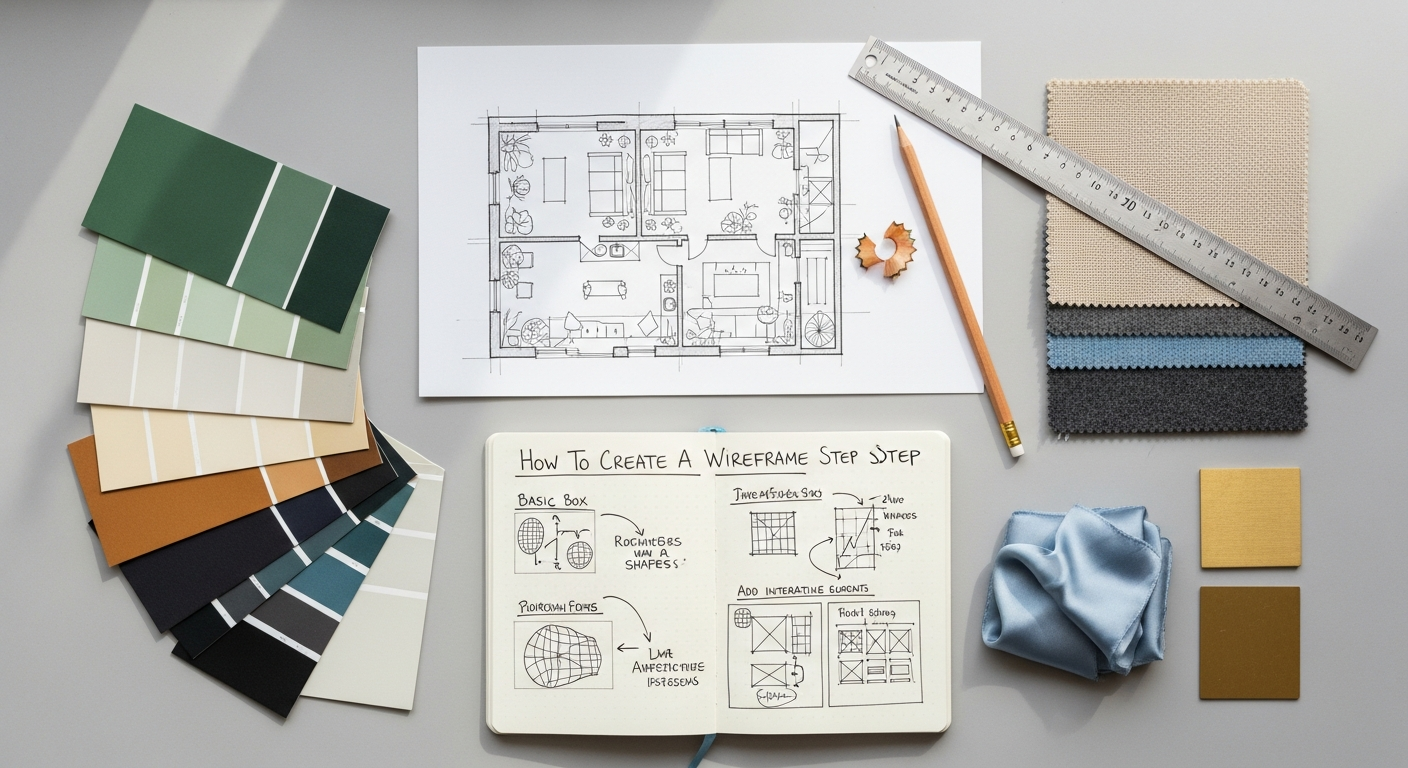
With your foundational research complete, you’re ready to translate those insights into a visual representation. This section provides a practical, step-by-step approach to creating effective wireframes.
Step 1: Choose Your Medium – Paper or Digital?
The first decision is how you’ll create your wireframes. Both paper and digital methods have their advantages:
- Paper Wireframes (Low-Fidelity):
- Pros: Extremely fast, low barrier to entry, encourages rapid iteration and experimentation, great for brainstorming in groups, no software skills required.
- Cons: Can be difficult to share and collaborate on remotely, not interactive, can get messy quickly, less precise.
- When to use: Early brainstorming sessions, quick concept validation, initial ideas for individual pages or components.
- Digital Wireframes (Mid to High-Fidelity):
- Pros: Easier to share and collaborate, more precise, allows for consistent elements, can be easily refined and iterated, some tools offer basic interactivity.
- Cons: Requires software proficiency, can be slower than paper, tempting to get bogged down in visual details too early.
- When to use: When you need more detail, for stakeholder presentations, for user testing, when working with remote teams, or as a bridge to mockups.
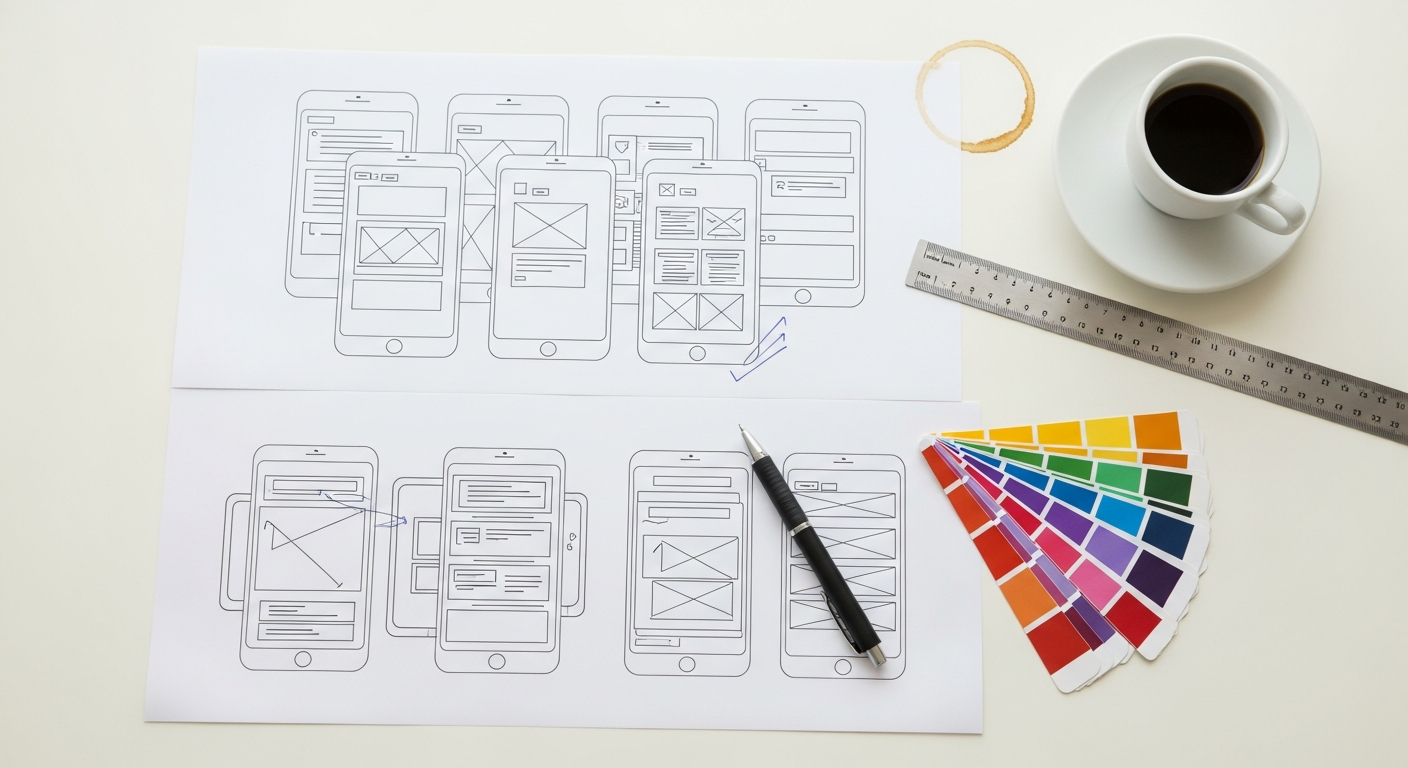
Many designers begin with paper sketches to quickly explore ideas, then transition to digital tools to refine and formalize their wireframes.
Step 2: Start with the Core Structure – The Page Layout
Begin by sketching the basic layout of each page as defined by your site map or user flow. Think about common web design patterns:
- Header: Typically at the top, containing the logo, primary navigation, and possibly a search bar or user account links.
- Footer: At the bottom, often housing secondary navigation, copyright information, social media links, and contact details.
- Main Content Area: The central part of the page where the primary information resides. This is where your unique content will live.
- Sidebars: Optional areas to the left or right of the main content, used for secondary navigation, advertisements, related content, or filters.
Use simple boxes and lines to represent these areas. Don’t worry about specific pixel dimensions yet, but consider relative proportions and how different sections will occupy space. If you’re designing for multiple devices, consider how this core structure might adapt (e.g., using a responsive grid system).
Step 3: Define Content Blocks and Elements
Now, fill in the larger structural areas with placeholders for your actual content and interactive elements. Use simple shapes to represent different types of content:
- Text: Use lines or squiggly lines to indicate paragraphs of text. A simple “Lorem Ipsum” placeholder is common for blocks of text.
- Images/Videos: Use a crossed-out box (like an “X”) to represent image or video placeholders. You might label it “Image Placeholder” or “Video Embed.” When considering the placement of visual content, remember that well-planned areas can later accommodate engaging social media graphics design, ensuring your layout is versatile for content promotion.
- Headings: Use larger text or thicker lines to denote heading levels (H1, H2, H3) to establish content hierarchy.
- Lists: Use bullet points or numbered lists.
- Forms: Represent input fields with rectangles and labels.
Focus on the type of content and its approximate size, not the actual content itself. The goal is to establish visual hierarchy and content flow.
Step 4: Establish Navigation
Based on your Information Architecture, clearly define all navigation elements:
- Primary Navigation: The main menu items that allow users to access core sections of your site/app. Typically placed in the header.
- Secondary Navigation: Sub-menus or links to less critical but still important pages, often found in sidebars or footers.
- Global Navigation: Elements like search bars, login/logout buttons, or shopping cart icons that appear on most or all pages.
- Breadcrumbs: A trail of links indicating the user’s current location within the site hierarchy.
Use simple labels for navigation items (e.g., “Home,” “About,” “Products,” “Contact”). Ensure consistency across pages.
Step 5: Incorporate Interactive Elements
Place placeholders for all interactive elements and calls-to-action (CTAs):
- Buttons: Represent with rectangles and clear labels (e.g., “Submit,” “Learn More,” “Add to Cart”).
- Links: Underlined text.
- Dropdown Menus: A rectangle with a small arrow.
- Checkboxes/Radio Buttons: Small squares or circles.
- Sliders/Carousels: A larger box with arrows or dots to indicate navigation.
Consider the user’s journey and place these elements strategically to guide them towards desired actions. The placement and clarity of CTAs are vital for conversion and user engagement.
Step 6: Add Annotations
Annotations are brief notes or labels directly on the wireframe that explain specific functionality, interactions, or content requirements that aren’t immediately obvious from the visual layout alone. These are crucial for communicating your design decisions to others. Examples include:
- “This image will be a rotating hero banner.”
- “Clicking this button expands the section below.”
- “This form field requires validation for email format.”
- “Only authenticated users can see this content.”
- “Consider how this section might integrate with future social media graphics design.” (A subtle nod to planning for visual content integration).
Annotations provide context and prevent misunderstandings, making the wireframe a more robust communication tool.
Step 7: Prioritize Content and Functionality
Review your wireframe and ensure that the most important information and actions are given prominence. Apply principles of visual hierarchy:
- Size: Larger elements draw more attention.
- Placement: Elements higher up or centrally located on the page are often seen first.
- Contrast: Using distinct shapes or lines can make elements stand out.
- Spacing: Ample white space around important elements can make them more noticeable.
Ask yourself: “What is the single most important thing a user should do or see on this page?” Ensure your wireframe guides them to that point effectively.
By following these steps, you’ll systematically build a clear, functional wireframe that serves as a solid foundation for your digital product, ready for review and refinement.
Tools of the Trade: Bringing Your Wireframes to Life
While a pen and paper are excellent for initial conceptualization, digital tools offer precision, collaboration features, and the ability to easily iterate and share your wireframes. The choice of tool often depends on the fidelity required, team collaboration needs, and your budget.
1. Pen & Paper / Whiteboard
- Best for: Rapid brainstorming, early conceptualization, group sessions, individual ideation.
- Pros: Zero cost, immediate, no learning curve, encourages quantity over perfection.
- Cons: Difficult to share digitally, not easily editable or reusable, can lack precision.
- Tip: Use grid paper or print out device templates to maintain some sense of scale and proportion.
2. Dedicated Wireframing Tools
These tools are specifically designed for low-to-mid fidelity wireframing, often providing pre-built UI elements that mimic common interface components.
- Balsamiq:
- Pros: Known for its distinctive “sketchy” aesthetic that discourages premature focus on visual design. Very intuitive drag-and-drop interface, extensive library of UI components.
- Cons: Limited for high-fidelity designs, distinct visual style might not appeal to everyone.
- Best for: Quick, collaborative, low-fidelity wireframing with a focus on functionality.
- Whimsical:
- Pros: Excellent for flowcharts, wireframes, and sticky notes in a collaborative environment. Clean, modern interface, easy to use, good for team brainstorming.
- Cons: Can feel a bit basic for very complex wireframes.
- Best for: Teams needing a versatile tool for various diagramming and wireframing tasks.
- Miro:
- Pros: A powerful online collaborative whiteboard with wireframing capabilities. Great for workshops, remote teams, and integrating various design assets.
- Cons: Might be overkill if you only need a simple wireframing tool; learning curve for advanced features.
- Best for: Comprehensive online collaboration, brainstorming, and flexible wireframing within a larger project context.
3. UI/UX Design Software (also capable of wireframing)
These tools are more comprehensive and can take your wireframes all the way through to high-fidelity mockups and interactive prototypes.
- Figma:
- Pros: Cloud-based, exceptional real-time collaboration, vast community resources, powerful auto-layout features, components library, excellent for both wireframing and high-fidelity design.
- Cons: Can have a steeper learning curve for beginners compared to dedicated wireframing tools.
- Best for: Professional teams needing an all-in-one collaborative design tool from wireframes to prototypes.
- Sketch:
- Pros: Powerful vector editor, extensive plugin ecosystem, symbol/component library, widely used in the industry.
- Cons: Mac-only, collaboration features are not as robust as Figma’s.
- Best for: Mac users who prefer a desktop application with strong vector editing capabilities and a rich plugin ecosystem.
- Adobe XD:
- Pros: Part of the Adobe Creative Cloud suite, good for integrating with other Adobe products, strong prototyping features, decent collaboration.
- Cons: Can sometimes feel less performant than competitors, collaboration still evolving.
- Best for: Designers already entrenched in the Adobe ecosystem, needing an integrated solution for design and prototyping.
4. General Productivity Software (for basic wireframing)
- PowerPoint/Keynote/Google Slides:
- Pros: Widely accessible, most people already know how to use them, surprisingly effective for simple block-based wireframes using shapes.
- Cons: Not designed for UI/UX, lacks dedicated UI components, limited advanced features.
- Best for: Very basic, low-fidelity wireframes when dedicated tools are not an option, or for quick internal communication.
The “best” tool is the one that fits your workflow, team, and project requirements. For most modern design teams in 2026, a collaborative platform like Figma often strikes the best balance for efficiency and comprehensive features.
Best Practices and Refining Your Wireframing Process
Creating wireframes is an iterative process. Adhering to best practices can significantly enhance the effectiveness of your wireframes and streamline your entire design workflow.
1. Keep it Simple and Low-Fidelity Initially
Resist the urge to beautify your wireframes. The power of a low-fidelity wireframe lies in its ability to focus attention on structure and function. Avoid colors, intricate typography, specific images, or pixel-perfect alignment in the early stages. Use grayscale, simple shapes, and generic text. This low fidelity encourages critical feedback on core usability rather than distracting aesthetic preferences.
2. Focus on Function, Not Aesthetics
Constantly remind yourself and your stakeholders that the wireframe is about what it does, not what it looks like. Its purpose is to solve user problems and achieve business goals through logical arrangement and interaction. Aesthetics come later, in the mockup stage.
3. Collaborate and Seek Feedback Early and Often
Wireframes are excellent discussion starters. Share your wireframes with team members (developers, content creators, project managers), stakeholders, and even potential users as early as possible. Encourage constructive criticism. Ask targeted questions like: “Can you find X easily?”, “What do you expect to happen when you click Y?”, “Is anything unclear?” Early feedback prevents costly changes down the line and ensures multiple perspectives are considered.
4. Iterate, Iterate, Iterate
Your first wireframe will rarely be perfect. Embrace iteration as a core part of the process. Based on feedback, be prepared to revise, refine, and even completely redraw sections. Each iteration brings you closer to an optimal solution.
5. Maintain Consistency
Within your wireframe set, ensure consistency in how you represent elements. If a button is represented by a specific shape and label style on one page, maintain that style across all pages. Consistent visual language in your wireframes helps communicate patterns and reduces cognitive load for reviewers.
6. Document Assumptions and Decisions
Use annotations extensively. Document any assumptions you’ve made, design decisions, potential interactions, or specific content requirements. This creates a clear reference for everyone involved and helps avoid forgotten details as the project progresses.
7. Don’t Be Afraid to Scrap and Restart
Sometimes, after extensive feedback or a change in project direction, a wireframe might no longer serve its purpose. Don’t be afraid to discard it and start fresh. It’s better to build on a solid new foundation than to force an inadequate old one to fit new requirements.
8. Consider Accessibility from the Start
Even at the wireframing stage, begin thinking about accessibility. Consider logical tab order for keyboard navigation, clear heading structures, and sufficient contrast (even in grayscale). While detailed accessibility implementation comes later, planning for it early ensures it’s baked into the design, not tacked on as an afterthought. This reinforces the principles of inclusive UX Design And Why It Matters.
9. Plan for Dynamic Content and States
Think about how your interface will behave with different amounts of content or in various states. What happens if a user has no items in their cart? What does an empty search results page look like? How does a long list of items affect the layout? Wireframe these different states to ensure robustness.
By integrating these best practices into your wireframing process, you’ll not only create more effective wireframes but also foster a more collaborative, efficient, and user-centric design environment, setting your projects up for success in 2026.
Review, Refine, and Transitioning to the Next Stage
Once you have a set of wireframes that incorporate initial feedback and meet the project’s foundational requirements, the next crucial steps involve thorough review, validation, and preparing for the subsequent design phases.
1. User Testing with Wireframes
Even at the low-fidelity stage, wireframes can be immensely valuable for user testing. Recruit a small group of target users and present them with your wireframes. Assign them specific tasks (e.g., “Find the contact information,” “Add an item to your cart and proceed to checkout,” “Navigate to the blog section”). Observe their interactions, listen to their comments, and identify areas of confusion or difficulty. This early user feedback is invaluable for catching usability issues before they become expensive to fix. Tools like Maze or UserTesting.com can even facilitate remote wireframe testing, providing insights without needing physical presence.
2. Stakeholder Review and Approval
Present your refined wireframes to all key stakeholders – clients, product owners, marketing teams, development leads. Explain
Recommended Resources
Related reading: How To Choose The Right Business Intelligence Tool (Eamped).
You might also enjoy Cloud Computing Explained Simply from Bookmark Sharer.