The Ultimate Landing Page Design Guide for 2026: Crafting Conversions That Count
Understanding the Conversion Imperative: Why Landing Pages Rule
Before we even touch a design tool, it’s crucial to grasp the fundamental purpose of a landing page and why it’s distinct from your main website. A landing page is a standalone web page, separate from your main navigation, created specifically for a marketing or advertising campaign. Its sole objective is to convert visitors into leads or customers, typically by prompting them to complete a specific call to action (CTA) like filling out a form, making a purchase, downloading an asset, or signing up for a service. Unlike your homepage, which serves as a broad entry point to your brand, a landing page is a laser-focused experience, stripped of distractions to guide the user towards a single, predetermined goal.
Think of your website as a bustling department store, offering a vast array of products and services. A landing page, in contrast, is a specialized boutique, showcasing a single, compelling item with a clear path to purchase. This singular focus is its superpower. By removing navigation menus, superfluous links, and competing CTAs, you eliminate decision fatigue and keep the user’s attention squarely on your offer. This targeted approach dramatically improves conversion rates compared to directing traffic to a general website page.
Key metrics underscore this imperative. The conversion rate—the percentage of visitors who complete the desired action—is the ultimate benchmark of a landing page’s success. A high conversion rate means your page effectively communicates value and persuades users. Conversely, a high bounce rate (visitors who leave after viewing only one page) or low time on page can signal issues with your design, messaging, or user experience. As designers, our role extends beyond aesthetics; it’s about understanding human psychology and behavior. Principles like Fogg’s Behavior Model (Motivation + Ability + Prompt = Behavior) and Hick’s Law (the more choices you present, the longer it takes users to make a decision) directly inform effective landing page design, emphasizing clarity, ease of use, and compelling prompts.
For 2026, the conversion imperative remains stronger than ever, with increasing competition for user attention. Designing for conversion means designing with empathy, anticipating user needs, and meticulously crafting every element to remove friction and amplify desire.
The Anatomy of a High-Converting Landing Page
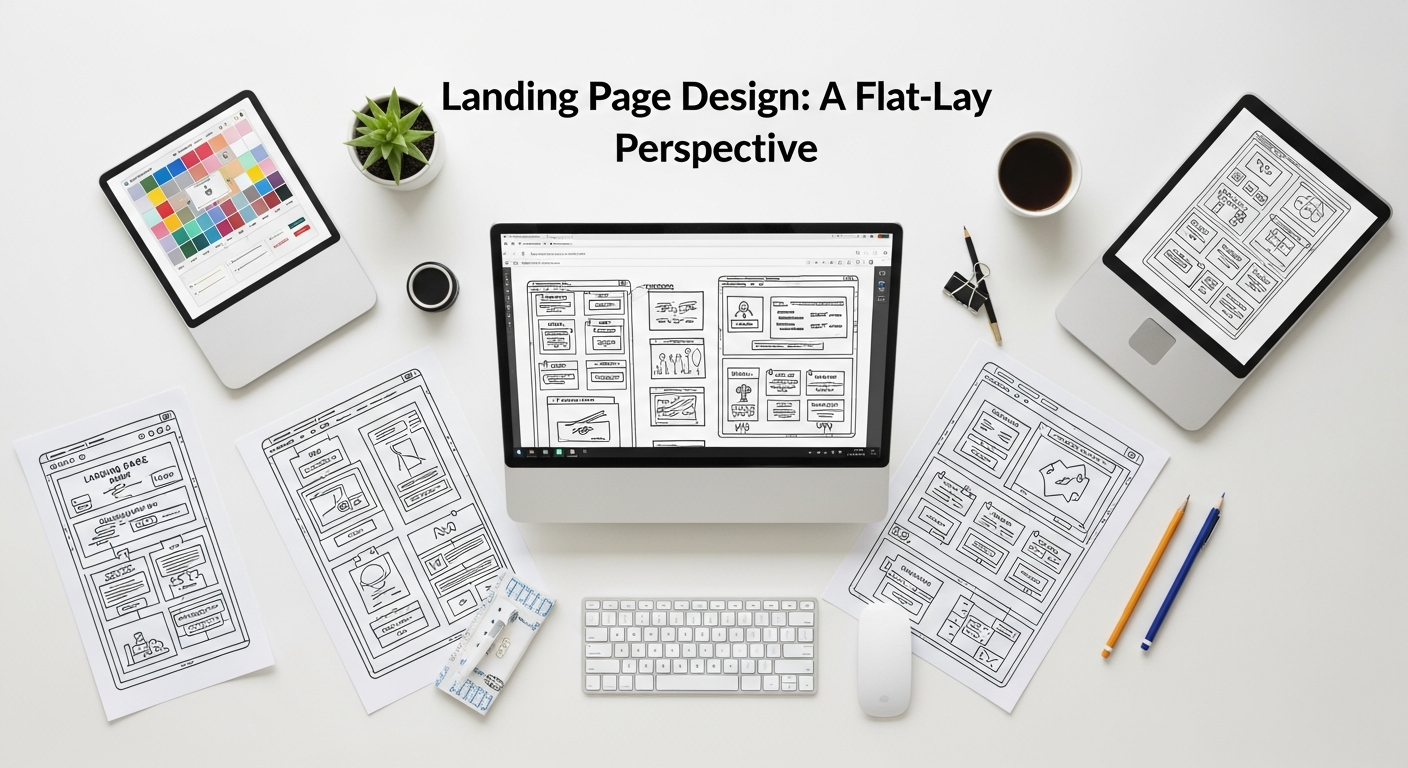
A truly effective landing page is a carefully orchestrated symphony of elements, each playing a critical role in guiding the user towards conversion. Let’s dissect the essential components:
1. The Irresistible Headline (H1)
This is your page’s first impression, often the make-or-break element. It needs to be clear, concise, and immediately convey the core value proposition. Forget cleverness for cleverness’ sake; focus on benefits. Use strong action verbs and address the user’s pain point or desire. A/B testing different headlines is non-negotiable for finding what resonates best with your audience. A compelling sub-headline then elaborates on the main headline, providing additional context or a secondary benefit, cementing the value proposition.
2. The Engaging Hero Section
The hero section is everything “above the fold”—what a user sees without scrolling. It must instantly grab attention and communicate your offer’s essence. This section typically combines your headline, sub-headline, a compelling visual, and often the primary CTA. The visual (image, video, or illustration) should be high-quality, relevant, and evoke emotion or demonstrate the product/service in action. Ensure the hero section creates an immediate emotional connection or solves a perceived problem, setting the stage for the rest of the page.
3. Clear Value Proposition & Benefits
Beyond the hero, dedicate space to clearly articulate “what’s in it for them.” Use scannable bullet points or short paragraphs to highlight key benefits, not just features. Features describe what your product does; benefits describe how it improves the user’s life. For example, instead of “Our software has X feature,” say “Save Y hours per week with X feature.” Prioritize clarity and conciseness, making it easy for users to quickly grasp the value.
4. Trust & Social Proof
In a world saturated with options, trust is paramount. Incorporate elements that build credibility:
- Testimonials & Reviews: Authentic quotes from satisfied customers, ideally with photos and names.
- Client Logos: If you work with recognizable brands, display their logos.
- Trust Badges: Security seals (e.g., SSL certificates), money-back guarantees, industry awards.
- Numbers: “Join 10,000+ happy customers,” “Rated 4.9/5 stars.”
These elements act as powerful psychological triggers, reassuring visitors that others have had positive experiences.
5. The Unmissable Call to Action (CTA)
Your CTA is the gateway to conversion. It needs to be visually prominent, with contrasting colors that make it stand out. The text should be action-oriented and benefit-driven (“Get Your Free Ebook,” “Start Your 14-Day Trial,” “Claim Your Discount”). Avoid generic phrases like “Submit.” Crucially, limit your primary landing page to a single, clear CTA. Multiple CTAs dilute focus and reduce conversion rates. For longer pages, you might repeat the CTA strategically as the user scrolls, but always for the same primary action.
6. The Streamlined Form (if applicable)
If your CTA requires a form, design it for minimal friction. Ask only for essential information. Each additional field reduces conversion. Use clear labels, provide helpful error messages, and ensure a prominent privacy statement. Consider multi-step forms for complex data capture, breaking down the process into smaller, less intimidating steps. Remember, fewer fields almost always lead to higher completion rates.
7. Supporting Visuals & Media
Beyond the hero, use high-quality images, illustrations, and videos to explain complex concepts, demonstrate product usage, or add personality. Videos, in particular, can significantly boost engagement and conversion, especially for product demos or explainer content. Ensure all visuals are optimized for fast loading and are relevant to the message.
8. Mobile Responsiveness
This isn’t a future trend; it’s a current necessity. A significant portion of web traffic originates from mobile devices. Your landing page must be flawlessly responsive, adapting gracefully to various screen sizes. Design mobile-first, ensuring touch targets are large enough, text is readable, and forms are easy to complete on smaller screens. A poor mobile experience is a guaranteed conversion killer.
Strategic Design Principles for Conversion
Beyond individual elements, a high-converting landing page is built upon a foundation of strategic design principles that guide the user’s eye and mind.
Clarity and Focus: The Single-Minded Goal
The paramount principle for any landing page is clarity. Every design choice, every piece of copy, must serve the single conversion goal. Remove any visual clutter or information that doesn’t directly support this goal. This aligns with Hick’s Law: minimize choices to reduce cognitive load. Use generous whitespace to create breathing room and draw attention to key elements. A user should be able to understand your offer and the desired action within seconds of landing on the page.
Visual Hierarchy: Guiding the Eye
As designers, we are storytellers, and visual hierarchy is our narrative tool. Use size, color, contrast, spacing, and placement to guide the user’s eye through the page in a logical flow. The most important elements (headline, CTA) should be the most prominent. Think about how users typically scan pages—often in an F-pattern or Z-pattern. Design your layout to place critical information along these natural scanning paths. Tools like Figma or Adobe XD allow you to easily experiment with layout and visual weight to achieve optimal hierarchy.
Color Psychology: Evoking Emotion and Action
Colors are more than just aesthetics; they evoke emotions and influence behavior. While cultural contexts vary, general associations hold true:
- Blue: Trust, professionalism, security (common for tech, finance).
- Green: Growth, nature, freshness, action (often used for CTAs, environmental brands).
- Red: Urgency, passion, excitement (can be effective for sales, warnings).
- Orange: Enthusiasm, warmth, creativity (often used for CTAs, youth brands).
Use color strategically to highlight CTAs, create brand consistency, and manage the overall mood of the page. Ensure sufficient contrast between text and background for readability, adhering to WCAG guidelines.
Whitespace: The Unsung Hero of Readability
Often overlooked, whitespace (or negative space) is crucial for readability and visual appeal. It prevents pages from looking cluttered and overwhelming. By strategically placing whitespace around elements, you draw attention to them, improve comprehension, and create a sense of sophistication. It’s not empty space; it’s intentional space that enhances the user experience.
Typography: Voice and Readability
Typography communicates your brand’s personality and significantly impacts readability. Choose fonts that are legible across all devices and screen sizes. Use a limited number of font families (typically 2-3) to maintain consistency. Establish a clear typographic hierarchy with different sizes and weights for headlines, sub-headlines, body text, and captions. Ensure line height, letter spacing, and paragraph spacing are optimized for comfortable reading. Platforms like Google Fonts offer a vast library of web-safe, performant typefaces.
Consistency: Brand and Experience
Your landing page should be a seamless extension of your brand. Maintain consistent branding—logos, colors, fonts, and tone of voice—with your broader marketing efforts and main website. This builds trust and reinforces brand recognition. Furthermore, ensure consistency in user interaction patterns; if users expect certain elements to behave a certain way, meet those expectations. Inconsistency creates friction and confusion.
Accessibility: Designing for Everyone
Designing for accessibility isn’t just good practice; it’s a moral imperative and, increasingly, a legal requirement. Adhere to WCAG (Web Content Accessibility Guidelines) standards. This includes providing alternative text for images, ensuring keyboard navigability, designing with sufficient color contrast, and structuring content semantically. An accessible landing page reaches a wider audience and demonstrates a commitment to inclusive design, which can positively impact brand perception and SEO.
Tools & Workflow: Bringing Your Vision to Life
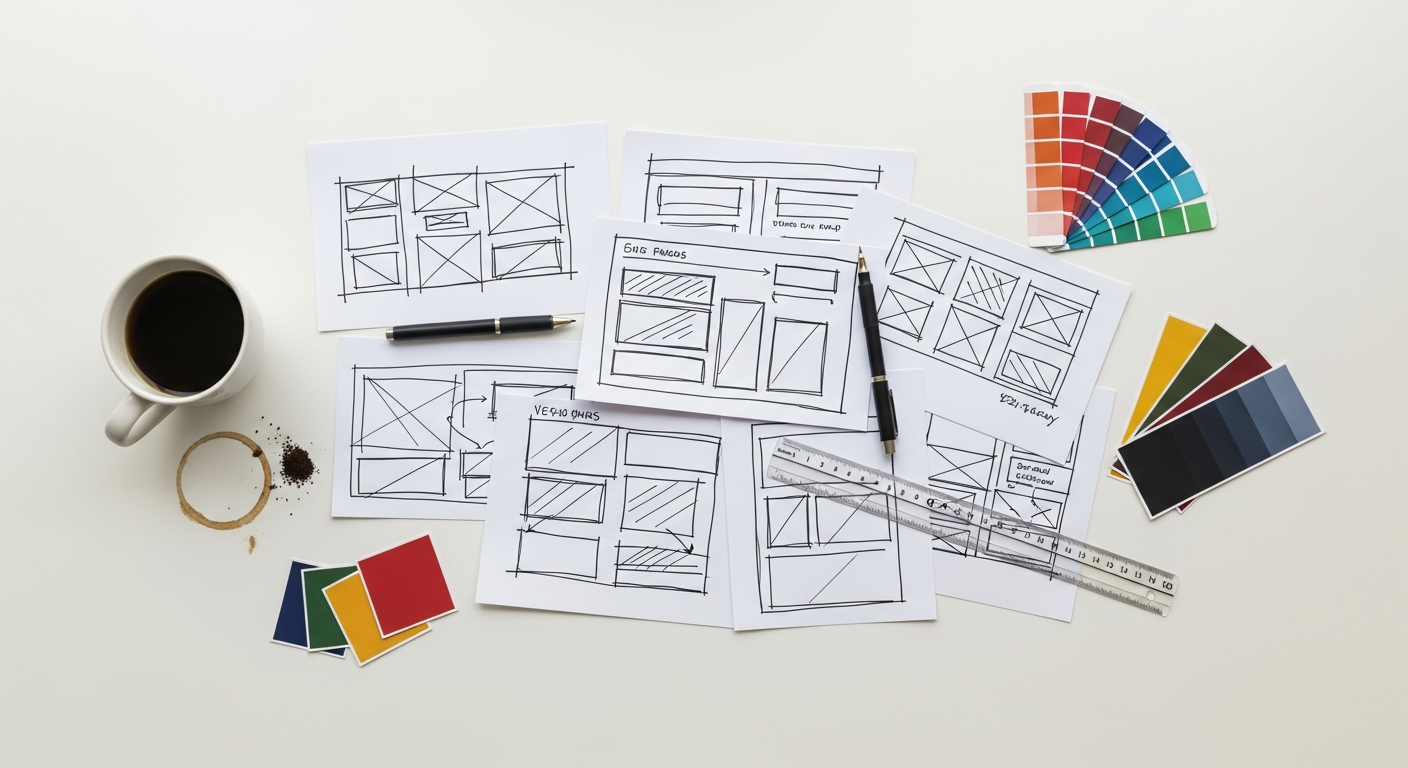
As designers, our toolkit is constantly evolving. Here’s how to leverage modern tools and a robust workflow to create high-converting landing pages.
1. Wireframing & Prototyping: Iteration is Key
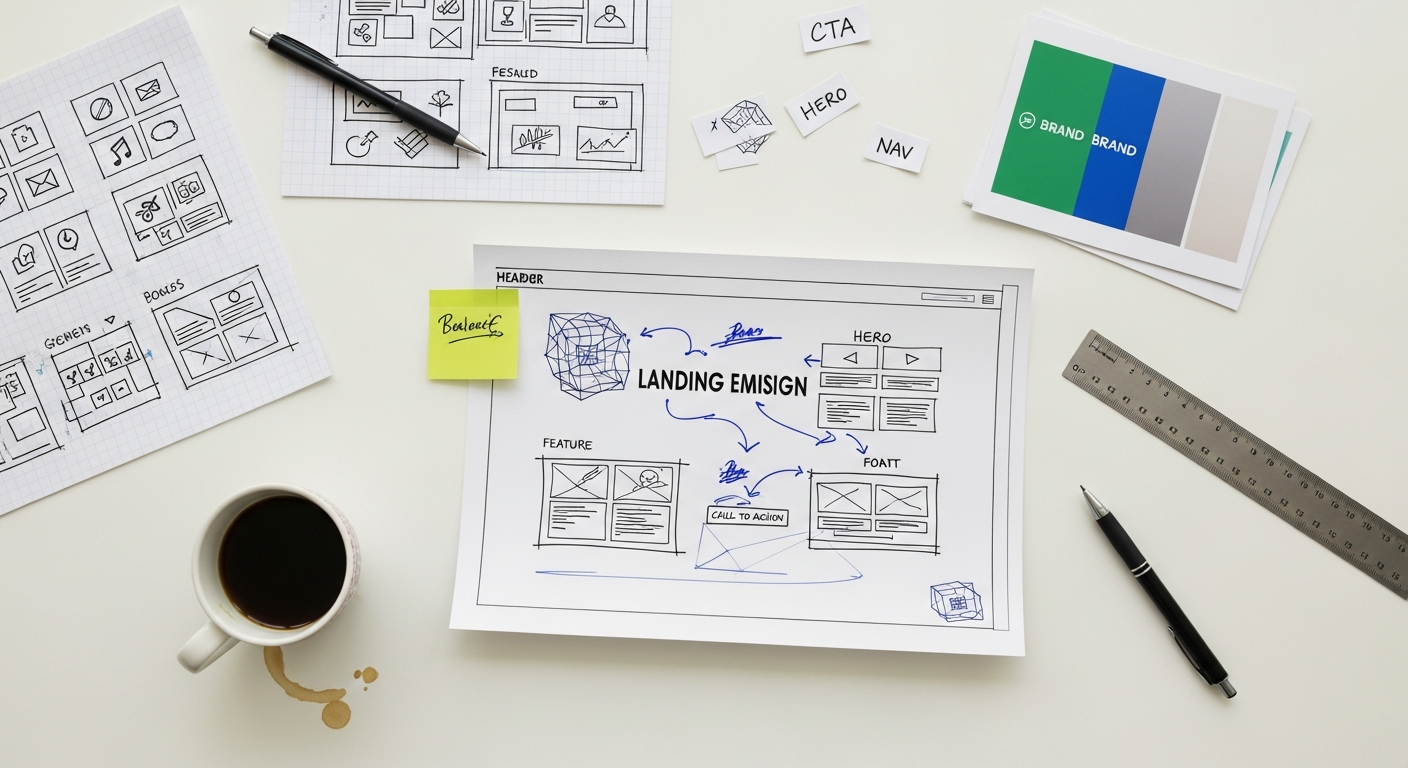
Before diving into high-fidelity design, start with wireframes to map out the page’s structure and content hierarchy. Tools like Figma, Adobe XD, and Sketch are indispensable here. They allow for rapid iteration, enabling you to test different layouts and content placements without getting bogged down in visual details. Once the wireframes are solid, move to prototyping. Figma’s prototyping features, for instance, let you create interactive flows to simulate the user experience. This step is crucial for identifying usability issues early and gathering feedback before significant development investment.
2. Design Systems: Consistency and Efficiency
For designers working on multiple landing pages or as part of a larger team, a well-defined design system is a game-changer. Components (buttons, forms, cards), style guides (colors, typography, spacing), and a clear set of guidelines ensure consistency across all your design assets. This not only speeds up the design process but also guarantees brand cohesion and a consistent user experience. Figma’s component libraries and shared styles are excellent for implementing and maintaining design systems.
3. A/B Testing Platforms: Data-Driven Decisions
Guesswork has no place in conversion optimization. A/B testing is fundamental. Platforms like Optimizely and VWO allow you to create multiple versions of your landing page (e.g., different headlines, CTAs, hero images) and show them to different segments of your audience. By tracking performance, you gain empirical data on what resonates most effectively. Even simple tests, like changing a CTA button color, can yield significant conversion lifts. Regularly A/B test your core elements to continually refine and improve performance.
4. Heatmapping & Analytics: Understanding User Behavior
Beyond conversion rates, understanding how users interact with your page provides invaluable insights. Tools like Hotjar offer heatmaps (showing where users click, move, and scroll) and session recordings, giving you a visual representation of user behavior. Complement this with quantitative data from Google Analytics 4 (GA4). GA4 provides deep insights into user journeys, traffic sources, and conversion funnels, helping you identify bottlenecks and areas for improvement. Together, qualitative and quantitative data paint a complete picture of your page’s performance.
5. Copywriting Collaboration: Words Matter
While this guide focuses on design, remember that compelling copy is just as critical as stellar visuals. Collaborate closely with copywriters from the outset. The best landing pages are a harmonious blend of impactful visuals and persuasive language. Tools like Hemingway App or Grammarly can help refine text for clarity and conciseness, but nothing replaces a skilled copywriter. Ensure your design provides ample space for clear, benefit-driven messaging.
6. Image Optimization: Speed is a Feature
High-quality images are essential, but large file sizes kill page load speed, which in turn kills conversions and negatively impacts SEO (especially Core Web Vitals). Use tools like TinyPNG, Compressor.io, or design software’s export options to optimize images without sacrificing quality. Prioritize modern formats like WebP. Work with developers to implement lazy loading for images below the fold.
7. Developer Handoff: From Design to Reality
The best design is useless if it can’t be accurately implemented. Ensure a smooth handoff to developers using tools that generate clean CSS and provide detailed specifications (e.g., Figma’s Inspect panel, Zeplin). Clear communication, well-organized design files, and a shared understanding of performance requirements are crucial for bringing your vision to life as a high-performing landing page.
Optimizing for the Future: AI, Personalization, and Beyond (2026)
The digital landscape is constantly evolving, and staying ahead means embracing emerging trends and technologies. For 2026, several key areas will define the next generation of high-converting landing pages.
AI-Powered Personalization: Dynamic Experiences
Gone are the days of one-size-fits-all landing pages. AI and machine learning are enabling hyper-personalization at scale. Imagine a landing page that dynamically changes its headline, hero image, CTA, or even entire sections based on a visitor’s referral source, past behavior, demographic data, or location. Tools like Optimizely, Mutiny, and similar AI-driven platforms are making this a reality. As designers, we’ll need to think about designing modular components and establishing rules for how AI can assemble them to create bespoke user experiences, maximizing relevance and conversion.
Micro-interactions & Subtle Animations: Enhancing Engagement
While flashy animations can be distracting, subtle micro-interactions and purposeful animations will become more integral to the user experience. These small details—a button subtly changing on hover, a form field providing immediate feedback, a gentle scroll-triggered animation revealing content—can enhance engagement, provide delightful feedback, and guide the user’s attention without overwhelming them. They add polish and a sense of responsiveness that improves perceived quality and professionalism. However, always prioritize performance and accessibility; animations should never hinder page load or distract from the core message.
Core Web Vitals & Performance as a Design Priority
Google’s Core Web Vitals (Largest Contentful Paint, First Input Delay, Cumulative Layout Shift) are not just SEO metrics; they are fundamental UX metrics. A slow-loading or visually unstable page will frustrate users and kill conversions, regardless of how beautiful the design. For 2026, performance must be a design consideration from the very beginning. Designers need to be aware of how their choices (large images, complex animations, custom fonts) impact these metrics and collaborate closely with developers to ensure optimal performance. Tools like Google Lighthouse and PageSpeed Insights should be part of your design review process.
Ethical Design & Privacy: Building Trust in a Data-Driven World
With increasing public awareness and regulations around data privacy (like GDPR and CCPA), ethical design practices are paramount. Landing pages must be transparent about data collection, clearly state privacy policies, and offer easy-to-understand consent mechanisms. Design patterns that subtly manipulate users (dark patterns) will erode trust and should be avoided. Building trust through clear communication and ethical design choices will be a significant differentiator for brands in 2026.
Rich Media & Immersive Experiences: Beyond Static Images
While video is already a powerful conversion tool, expect to see more sophisticated rich media and potentially immersive elements. Interactive 3D product configurators, augmented reality (AR) previews (e.g., “see this furniture in your room”), and even subtle virtual reality (VR) elements could emerge for specific product showcases. These technologies offer unparalleled ways to engage users and provide a deeper understanding of products and services, bridging the gap between digital and physical experiences. As designers, we’ll need to explore how to integrate these without sacrificing performance or accessibility.
Voice Search Optimization (Content Implications)
While more of an SEO consideration, the rise of voice search impacts how content is consumed. Landing page content might need to be structured in a way that answers natural language questions more directly, supporting snippets that voice assistants can easily pull. This means clear, concise FAQs and benefit statements become even more critical, allowing users to find information quickly, regardless of input method.