What Exactly Are Motion Graphics? Defining the Dynamic Art Form
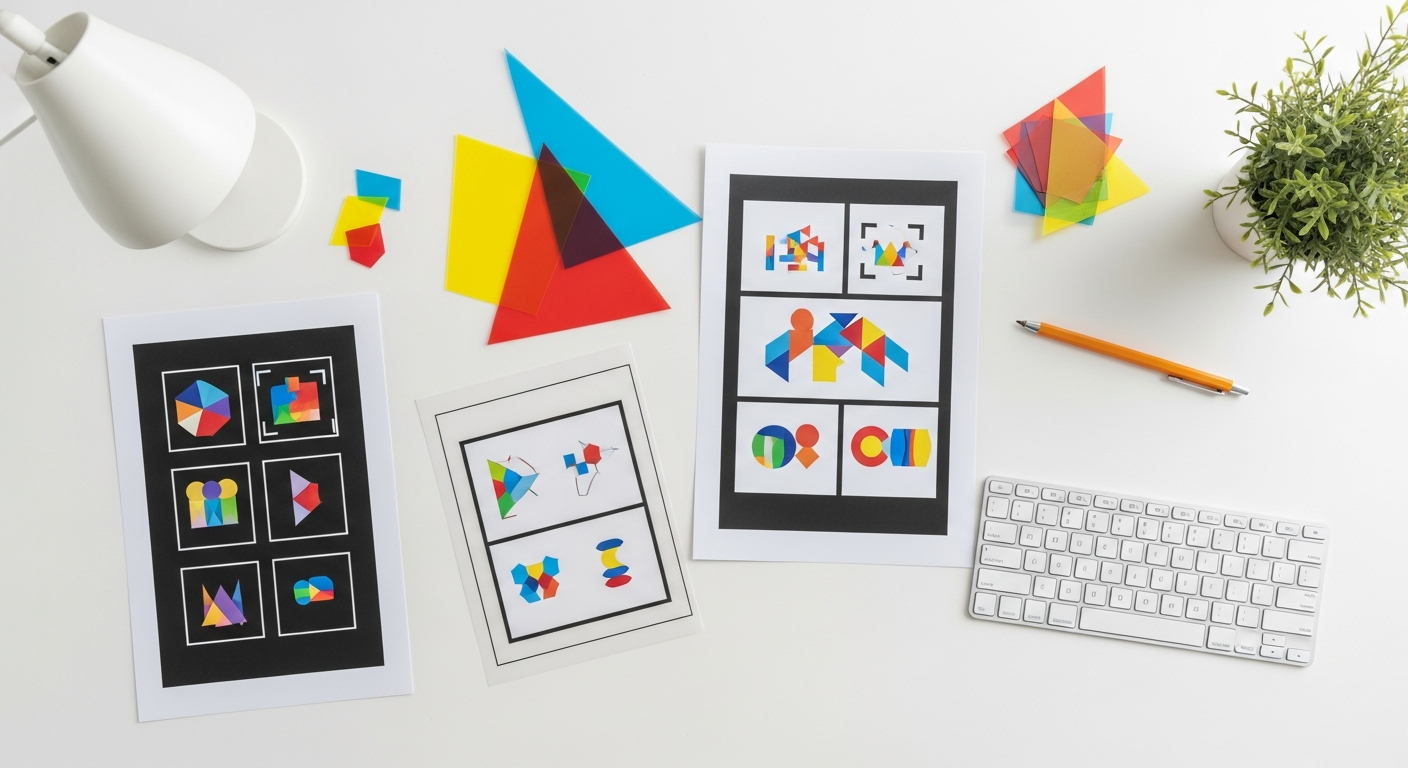
At its heart, motion graphics is the art of bringing graphic design elements to life through animation. Unlike traditional animation, which often focuses on character-driven narratives and storytelling through movement, motion graphics typically deals with abstract shapes, text, logos, and other graphic elements. Think of the animated logos you see before a movie, the dynamic lower-thirds on a news broadcast, or the engaging explainer videos that simplify complex ideas. These are all prime examples of motion graphics in action.
It’s about more than just moving things around; it’s about communicating a message, evoking an emotion, or guiding a viewer’s attention with purpose and precision. Motion graphics leverages principles of graphic design, typography, illustration, and cinematic techniques to create visually compelling sequences. The goal is to enhance comprehension, engagement, and memorability. When a static infographic becomes an animated journey, or a brand logo pulses with energy, that’s the magic of motion graphics at play.
While traditional animation often involves drawing frame by frame, motion graphics typically relies on keyframing – setting specific parameters (like position, scale, rotation, opacity) at different points in time, with software interpolating the frames in between. This allows for a more efficient and precise control over abstract elements. The result is a seamless, fluid experience that can convey information far more effectively than static visuals alone.
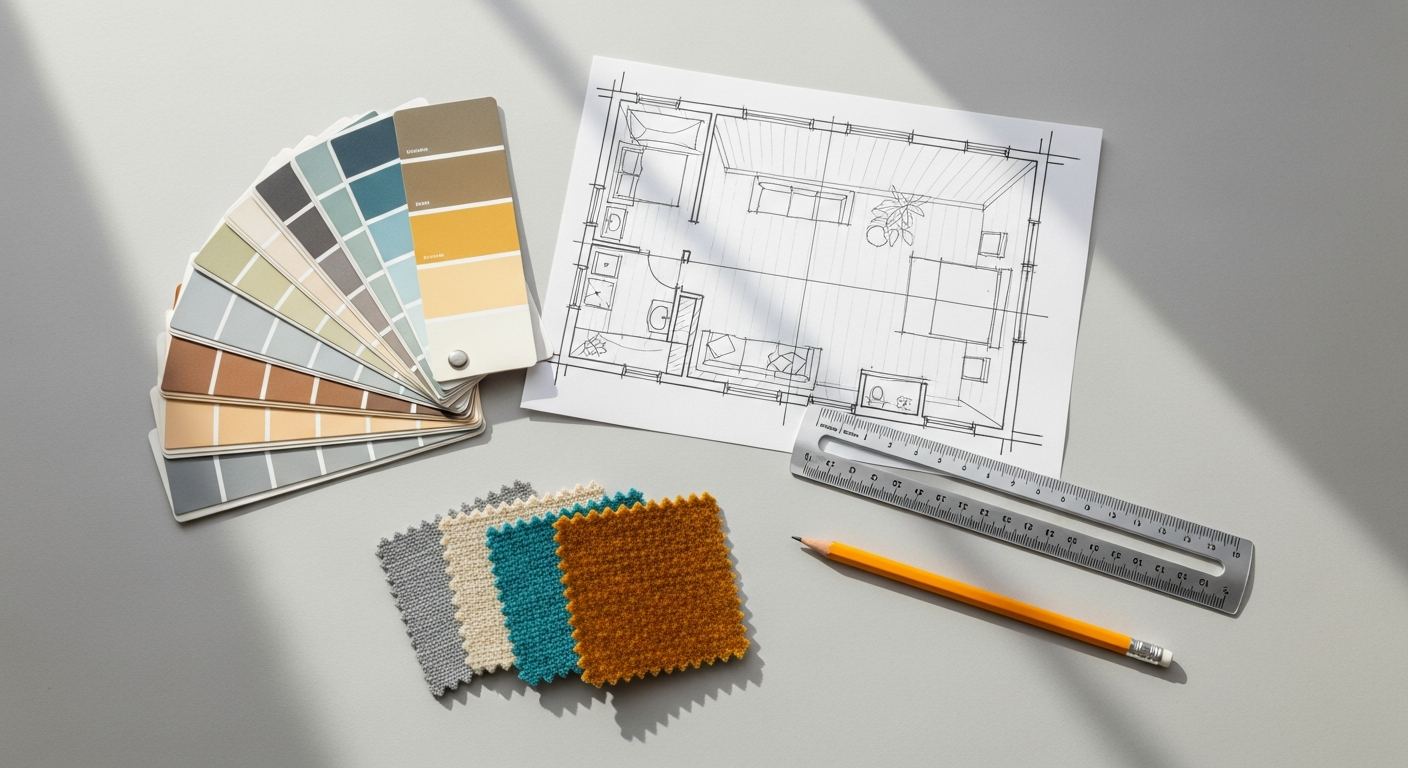
In the realm of interior design, motion graphics can be incredibly powerful. Imagine presenting a client with a virtual walkthrough of a proposed space, where furniture pieces animate into position, lighting schemes transition dynamically, and textures subtly shift to demonstrate different material options. This level of immersive visualization goes far beyond static renders, offering a truly engaging and informative experience that can help clients better grasp complex design concepts and make informed decisions. It transforms a flat blueprint or mood board into a living, breathing vision, making the abstract concrete and exciting. This ability to animate and visualize concepts across various fields underscores the versatility and growing importance of motion graphics in the modern creative landscape.
Why Should You Learn Motion Graphics? Unleashing Creative Potential
The decision to delve into motion graphics is an investment in a skill set that is increasingly in demand across virtually every industry. For creative professionals, the benefits are multi-faceted, extending from enhancing existing capabilities to opening entirely new career pathways. At its core, learning motion graphics empowers you to tell stories, explain concepts, and present information in ways that are simply not possible with static imagery.
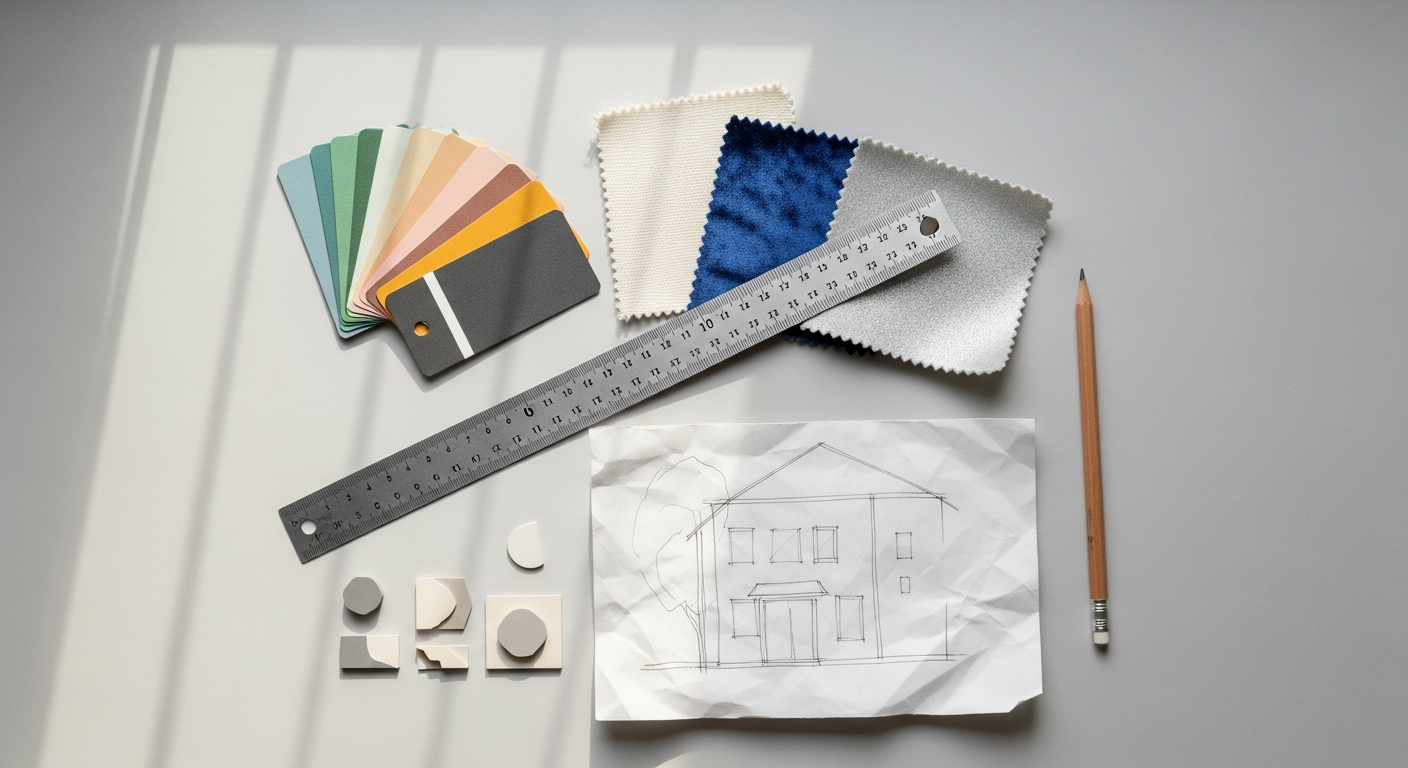
One of the most compelling reasons is the sheer power of engagement. In a world saturated with content, capturing and retaining attention is paramount. Motion graphics excel at this, transforming mundane data into captivating visuals, static text into dynamic narratives, and abstract ideas into digestible, memorable experiences. For an interior designer, this means transforming a standard presentation into an immersive client pitch. Instead of merely showing floor plans and material swatches, you can animate the design process, showcase material transitions, or even simulate the play of light throughout the day in a proposed space. This not only makes your presentations more compelling but also helps clients visualize and connect with your designs on a deeper level, fostering better understanding and stronger buy-in.
Furthermore, motion graphics skills significantly broaden your creative toolkit. If you’re already proficient in graphic design, illustration, or video editing, motion graphics acts as a natural extension, allowing you to imbue your existing work with movement and temporal dynamics. It teaches you to think about design not just as a static composition, but as a sequence of events unfolding over time, with pacing, rhythm, and flow. This shift in perspective can profoundly influence all aspects of your creative output, making you a more versatile and adaptable designer.
Beyond personal skill enhancement, the career opportunities are vast. Businesses are constantly seeking skilled motion graphic artists for marketing campaigns, brand identity development, user interface animations, explainer videos, social media content, and much more. Learning motion graphics can position you as a valuable asset in a competitive job market, or empower you to offer a wider range of services as a freelancer. As we look towards 2026, the demand for dynamic visual content is only expected to grow, making this a highly future-proof skill. It’s about staying relevant, innovative, and capable of meeting the evolving demands of digital communication.
Finally, there’s the sheer joy of creation. Bringing your ideas to life through movement is an incredibly rewarding experience. It’s a field that constantly encourages experimentation, problem-solving, and continuous learning, ensuring that your creative journey remains exciting and fresh. Embrace motion graphics, and you embrace a powerful medium for expression and communication that will undoubtedly elevate your design practice.
Essential Tools for Aspiring Motion Graphic Artists
The undisputed king of motion graphics software is Adobe After Effects. This is where the magic happens for most 2D motion design. After Effects allows you to animate text, shapes, layers from other Adobe programs, and even 3D objects. Its powerful keyframing capabilities, vast array of effects, and extensive plugin ecosystem make it indispensable. For beginners, the interface can seem daunting at first, but consistent practice with tutorials will quickly make it feel intuitive. You’ll spend most of your time in After Effects manipulating timelines, applying effects, and refining your animations.
However, After Effects rarely works in isolation. It’s part of a larger creative suite, and several companion applications are essential:
- Adobe Photoshop: Often used for creating and manipulating raster-based images, textures, and backgrounds. You might design a complex background in Photoshop and then import it into After Effects to animate specific elements.
- Adobe Illustrator: The go-to for vector-based graphics. Logos, icons, custom typography, and scalable illustrations are best created here. Illustrator’s vector output ensures that your graphics remain crisp and clear at any resolution, which is vital for professional motion graphics. Layers created in Illustrator can be seamlessly imported into After Effects and animated individually.
- Adobe Premiere Pro: While After Effects is for animation, Premiere Pro is for video editing. You’ll use Premiere Pro to assemble multiple motion graphics compositions, add voiceovers, music, and final touches to your finished video. It’s also where you’d typically handle the final export of your project.
Beyond the core Adobe suite, other tools can enhance your capabilities:
- Cinema 4D (or Blender): For those looking to venture into 3D motion graphics, Cinema 4D is a popular choice due to its integration with After Effects (via Cineware). Blender is a free and open-source alternative that has grown immensely in power and popularity, offering a comprehensive suite for 3D modeling, sculpting, animation, and rendering. While not strictly “basic,” an understanding of 3D can open up new dimensions for your motion graphics in the future.
- Figma / Sketch / Adobe XD: While primarily UX/UI design tools, these can be useful for planning interface animations or creating UI elements that will later be animated in After Effects.
Hardware Considerations: Motion graphics software can be demanding. A powerful computer with a robust processor (CPU), ample RAM (16GB minimum, 32GB or more recommended), and a dedicated graphics card (GPU) will significantly improve performance, especially when dealing with complex projects and rendering. A fast SSD (Solid State Drive) for your operating system and project files is also highly recommended to reduce loading and saving times. Don’t forget a comfortable mouse or a graphics tablet for precision work.
Learning these tools is a continuous process. Start with the basics in After Effects, and gradually explore its integration with Photoshop and Illustrator. As you grow more comfortable, you’ll naturally expand your toolkit and discover new applications that streamline your workflow and enhance your creative output.
Core Principles and Concepts to Master for Dynamic Visuals
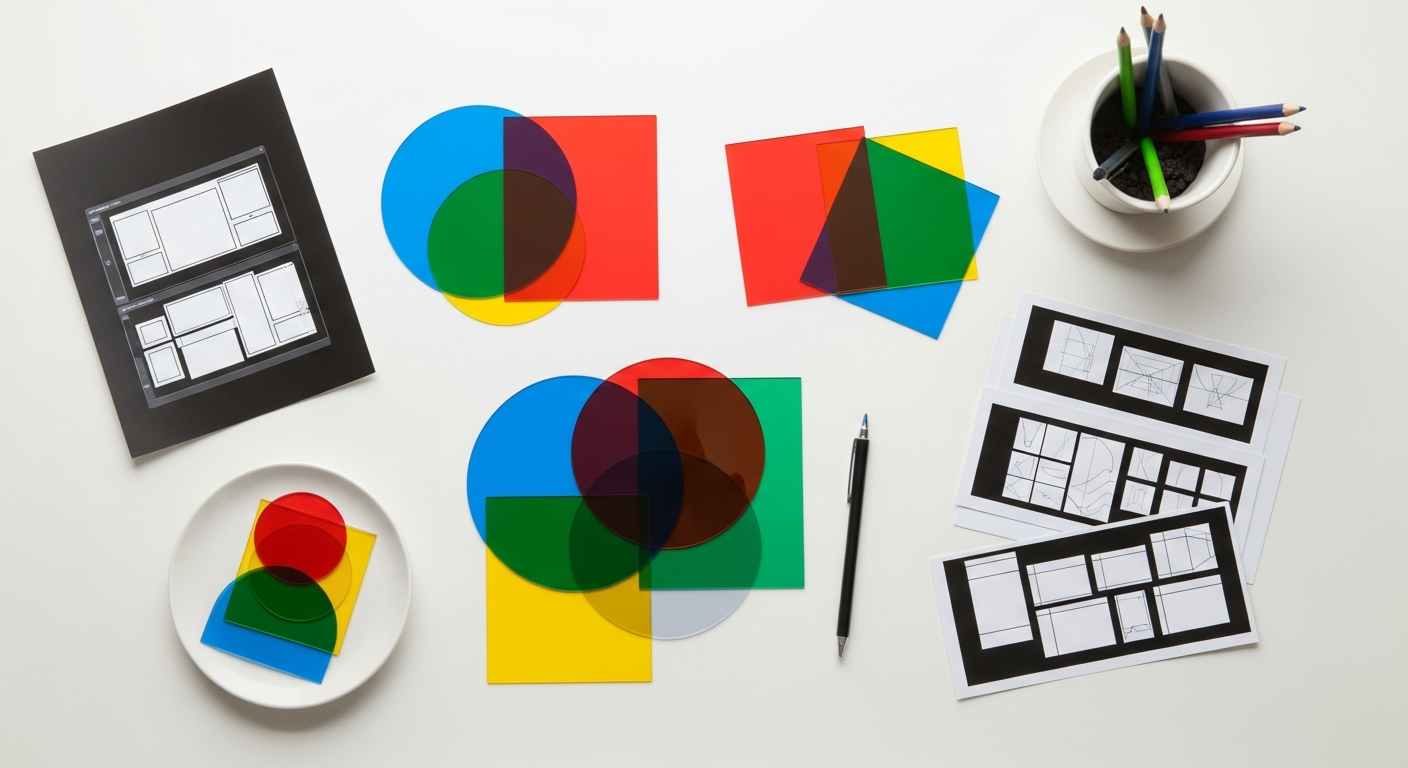
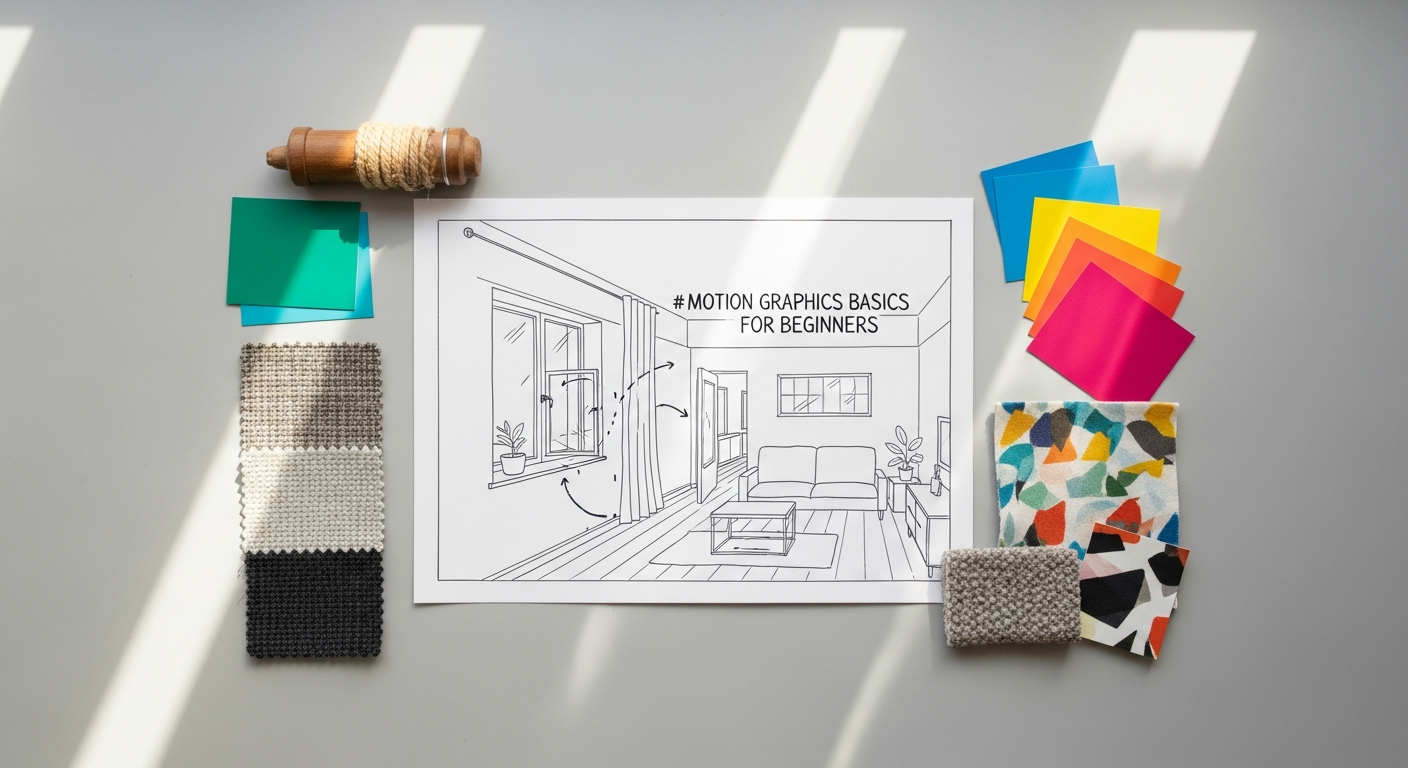
Beyond knowing the software, truly mastering motion graphics involves understanding the fundamental principles that govern effective visual communication and compelling movement. These principles ensure that your animations are not just technically sound but also aesthetically pleasing, engaging, and clear. Many of these concepts draw directly from traditional art, design, and animation, proving that good design principles are universal.
The 12 Principles of Animation: Originally codified by Disney animators, these principles are foundational for all forms of animation, including motion graphics. While you won’t apply all of them in every single motion graphic project, understanding their essence will elevate your work significantly. Key principles include:
- Squash and Stretch: Gives a sense of weight and flexibility to objects. An object squashes on impact and stretches as it moves or anticipates movement.
- Anticipation: A preparatory action that signals an upcoming major action, making the movement more believable and impactful.
- Staging: Presenting an idea so that it is unmistakably clear. This relates to composition and ensuring the viewer’s eye is directed to what’s important.
- Follow Through and Overlapping Action: The idea that parts of an object continue to move even after the main object has stopped, and that different parts of an object move at different rates, creating a more natural and fluid look.
- Timing: The speed and rhythm of an action. Good timing adds personality and realism, conveying weight, emotion, and purpose.
- Ease In and Ease Out (Slow In and Slow Out): Animations don’t typically start and stop abruptly. They accelerate and decelerate, making movement appear more natural and less robotic. This is crucial for smooth transitions in motion graphics.
Keyframing and Interpolation: These are the technical backbone of motion graphics. Keyframes mark specific points in time where a property (like position, scale, opacity) of an object changes. Interpolation is how the software calculates the frames between these keyframes, creating a smooth transition. Understanding different types of interpolation (linear, bezier, hold) and how to manipulate them (e.g., using the graph editor in After Effects) is vital for achieving fluid and dynamic motion.
Composition and Visual Hierarchy: Just as in static graphic design, composition in motion graphics is about arranging elements within the frame to create balance, harmony, and visual interest. Visual hierarchy is critical for guiding the viewer’s eye through the animated sequence, ensuring that the most important information is highlighted at the right moment. This is where concepts from Infographic Design Tips And Best Practices become incredibly relevant. Like a well-designed infographic, an effective motion graphic needs a clear narrative, concise visual storytelling, and a logical flow of information. You must consider how elements enter, exit, and interact on screen to maintain clarity and impact.
Typography in Motion: Text is a powerful element in motion graphics. Understanding how to animate typography – from simple fades and slides to complex kinetic typography – can significantly enhance your message. Pay attention to font choice, leading, kerning, and how text animates to support, rather than distract from, the overall message. The legibility and impact of your animated text are paramount.
Color Theory: Colors evoke emotions and guide perception. Applying sound color theory principles ensures your motion graphics are visually appealing, cohesive, and effective in conveying the intended mood or message. Consider contrast, saturation, and color harmonies as elements move across the screen.
Storyboarding and Animatic: Before diving into software, planning is essential. A storyboard is a sequence of drawings or images that illustrates the narrative of your motion graphic, shot by shot. An animatic takes this a step further by timing out these storyboard panels, often with rough audio, to get a feel for the pacing and flow before full animation. These pre-production steps save immense amounts of time and ensure a clear vision.
By internalizing these core principles, you’ll move beyond simply knowing how to use the software and begin to create motion graphics that are truly impactful, professional, and visually compelling. Practice applying these concepts in every project, and you’ll see a dramatic improvement in the quality of your work.
The Workflow: From Concept to Completion in Motion Graphics
Creating a compelling motion graphic is a structured process, moving from an initial idea to a polished final product. Understanding this workflow is crucial for efficiency, collaboration, and ensuring your project stays on track. Each stage builds upon the last, contributing to the overall success of the animation.
1. Idea Generation & Brainstorming:
Every great motion graphic begins with a clear objective. What message are you trying to convey? Who is your target audience? What action do you want them to take? This initial phase involves brainstorming concepts, defining the project scope, and outlining the core narrative or information you need to animate. For an interior designer, this might involve visualizing different furniture layouts, demonstrating material transitions, or showcasing lighting changes throughout the day. A clear vision here saves countless hours later.
2. Scripting & Storyboarding:
Once the core idea is defined, it’s time to script. For explainer videos, this means writing out the voiceover or on-screen text verbatim. For more abstract pieces, it might be a detailed description of each scene. Following the script, a storyboard is created. This is a visual roadmap, depicting key frames or scenes, camera angles, movement, and on-screen text. It’s like a comic strip of your animation, allowing you to visualize the flow and pacing before any animation software is opened. An animatic can then be created by timing these storyboard panels with rough audio, providing an even better sense of the final rhythm.
3. Asset Creation:
With a solid storyboard in hand, you’ll move to creating the static graphic elements that will be animated. This typically involves using programs like Adobe Illustrator for vector graphics (logos, icons, custom illustrations) and Adobe Photoshop for raster images (backgrounds, textures, photographic elements). Ensuring your assets are well-organized, properly layered, and optimized for animation (e.g., using vector shapes for scalability) at this stage is critical. Think about the color palette, typography, and overall visual style, ensuring consistency with your brand or client guidelines.
4. Animation:
This is where the magic truly begins, primarily in Adobe After Effects. You’ll import your prepared assets and begin to bring them to life using keyframes, effects, and expressions. This stage involves applying the animation principles discussed earlier – focusing on timing, easing, anticipation, and follow-through to create smooth, natural, and impactful motion. This is an iterative process, involving constant tweaking and refinement to achieve the desired look and feel. Sound design considerations often start here, as the animation needs to sync with audio.
5. Sound Design & Music:
Audio is just as important as visuals in motion graphics. Selecting appropriate background music, sound effects, and voiceovers (if applicable) can dramatically enhance the emotional impact and clarity of your animation. Music sets the mood and pace, while sound effects can emphasize actions and transitions. Ensure all audio is mixed professionally and synced perfectly with your visuals. This usually happens in After Effects or is finalized in Premiere Pro.
6. Rendering & Exporting:
Once your animation is complete and all audio is integrated, the final step is to render and export your project. Rendering is the process where your software compiles all the layers, effects, and animations into a final video file. Choosing the correct export settings (file format, codec, resolution, frame rate) is crucial, depending on where the motion graphic will be displayed (web, social media, broadcast). Incorrect settings can lead to poor quality or unnecessarily large file sizes.
7. Iteration and Feedback:
Throughout this entire workflow, especially after initial drafts of the animatic and fully animated sequences, soliciting feedback is paramount. This is where the principles of evaluation, similar to How To Conduct A Heuristic Evaluation in UX design, become applicable. While you’re not evaluating a user interface, you are evaluating a user’s experience with your motion graphic. Ask yourself and others: Is the message clear? Is the pacing effective? Are there any confusing moments? Does it achieve its objective? Is the visual hierarchy maintained? Iterating based on constructive feedback ensures the final product is polished, effective, and meets the project goals. This critical review process helps refine the clarity, engagement, and overall impact of your animated message.
Bridging Motion Graphics with User Experience (UX)
In the digital age, where interactions are increasingly dynamic, the synergy between motion graphics and user experience (UX) design has become profoundly important. While motion graphics might traditionally be associated with promotional content or explainer videos, its role in shaping intuitive and delightful user interfaces is growing exponentially. Understanding this connection is vital for any designer aiming to create truly engaging digital products.
At its core, What Is Ux Design And Why It Matters revolves around creating products that provide meaningful and relevant experiences to users. It involves the design of the entire process of acquiring and integrating the product, encompassing aspects of branding, design, usability, and function. Motion graphics contributes significantly to several key facets of UX:
1. Enhancing Feedback and Affordance:
Motion graphics provide immediate, visual feedback to user actions. When a button subtly changes color and slides slightly upon hover, or when an item elegantly floats into a shopping cart, these micro-interactions confirm that an action has been registered. This visual feedback makes interfaces feel more responsive and ‘alive,’ reducing user frustration and improving clarity. It guides users, making the interface’s affordances (what actions are possible) more obvious without needing explicit instructions.
2. Guiding User Attention and Flow:
Well-designed motion can subtly direct a user’s eye to important elements, highlight changes, or reveal new content. For example, a gentle animation might draw attention to a newly loaded notification or a critical call-to-action button. Transitions between screens or states can use motion to create a sense of continuity, helping users understand where they are in a workflow and how they got there, preventing disorientation.
3. Masking Latency and Improving Perceived Performance:
Loading screens can be tedious. Creative loading animations (spinners, progress bars, content placeholders that animate in) use motion graphics to make waiting less frustrating and more engaging. These animations don’t make the system faster, but they improve the perceived performance, making the user experience smoother and more pleasant. They provide visual reassurance that something is happening behind the scenes.
4. Establishing Brand Identity and Personality:
Motion graphics embedded within a user interface can imbue a product with a distinct personality and strengthen its brand identity. Think of the unique boot-up animations of operating systems or the distinctive transition effects of popular apps. These animated elements contribute to the overall aesthetic and emotional connection users have with a brand, making the experience more memorable and enjoyable.
5. Storytelling and Onboarding:
Animated onboarding sequences use motion graphics to effectively introduce users to a product’s features and benefits. Instead of static text, a short, engaging animated tutorial can quickly and clearly explain how to use an app, setting users up for success from the get-go. This visual storytelling is far more impactful than lengthy text explanations.
Considerations for UX Motion Graphics:
When integrating motion graphics into UX, designers must prioritize purpose and subtlety. Motion should always serve a functional purpose, enhancing usability rather than purely for aesthetics. It should be fast, fluid, and non-disruptive. Accessibility is also key; animations should not trigger motion sickness or be a barrier for users with cognitive or visual impairments. Performance is another critical factor; animations must run smoothly without lagging or draining device resources. By thoughtfully applying motion graphics, UX designers can craft interfaces that are not only functional but also intuitive, delightful, and deeply engaging, creating truly exceptional user experiences in 2026 and beyond.
Getting Started: Your First Steps and Beyond in Motion Graphics
The journey into motion graphics, while exciting, can seem vast and intimidating at first. However, by breaking it down into manageable steps and maintaining a consistent learning approach, you can build a strong foundation and steadily progress your skills. Here’s a practical guide to kickstart your motion graphics career and ensure sustained growth.
1. Dive into Software Tutorials:
Your first concrete step should be to familiarize yourself with Adobe After Effects. There’s an abundance of free and paid tutorials available online. Start with beginner-focused series that cover the interface, basic keyframing, layer properties (position, scale, rotation, opacity), and simple effects. YouTube channels like “School of Motion,” “Ben Marriott,” and “ECAbrams” offer excellent resources. Adobe’s own documentation and tutorials are also incredibly helpful. Don’t try to learn everything at once; focus on mastering one concept or tool before moving to the next.
2. Understand Core Principles Through Practice:
As you learn the software, simultaneously apply the core principles of animation and design. Don’t just follow tutorials blindly; understand why certain animation curves or color choices are made. Experiment with timing and easing to see how it affects the perceived weight and emotion of an object. Create small, focused practice projects – animate a bouncing ball, a simple logo reveal, or a kinetic text phrase. These small exercises are crucial for internalizing concepts.
3. Build a Portfolio of Personal Projects:
Once you’ve grasped the basics, start creating your own short, original projects. These don’t need to be complex; even a 5-10 second animation can showcase your understanding of principles and software. Develop an animated title sequence for a fictional show, an explainer for a simple concept, or a dynamic infographic. For interior designers, consider animating a mood board transition or a virtual walk-through of a small space. These personal projects are your opportunity to experiment, make mistakes, and learn without client pressure. A well-curated portfolio, even with beginner-level projects, is essential for demonstrating your skills.
4. Seek Feedback and Learn from Others:
Share your work! Join online communities, design forums, or local meetups. Constructive criticism is invaluable for growth. Observe how established motion graphic artists animate and deconstruct their work. What makes their animations smooth? How do they use color and typography? Learning from the work of others, both good and bad, will significantly accelerate your development.
5. Explore Online Courses and Advanced Resources:
Once you’re comfortable with the fundamentals, consider investing in structured online courses from platforms like Skillshare, Domestika, or School of Motion. These often provide deeper dives into specific techniques, project-based learning, and insights from industry professionals. As you progress, explore advanced topics like expressions, scripting, character rigging, and 3D integration with tools like Cinema 4D or Blender.
6. Stay Updated with Trends (especially for 2026):
The field of motion graphics is constantly evolving. Keep an eye on industry trends, new software features, and emerging styles. Follow leading studios and artists on social media and design blogs. As we move into 2026, expect continued innovation in areas like AI-assisted animation, real-time rendering, and immersive experiences (VR/AR motion graphics). Staying curious and continuously learning will keep your skills sharp and relevant.
7. Embrace Persistence and Patience:
Learning motion graphics takes time and dedication. There will be frustrating moments, technical hurdles, and creative blocks. Embrace these challenges as part of the learning process. Celebrate small victories, be patient with yourself, and remember that consistent effort over time yields significant results. Your creative journey in motion graphics is a marathon, not a sprint.
By following these steps, you’ll not only learn the technical skills but also develop the artistic eye and problem-solving mindset necessary to become a proficient and impactful motion graphic artist, ready to contribute to the dynamic visual landscape of 2026 and beyond.
Frequently Asked Questions
Recommended Resources
Learn more about this topic in How To Build A Founding Team For Your Startup at Eamped.
For more on motion graphics basics, see How To Avoid Burnout Working Remotely on Bookmark Sharer.