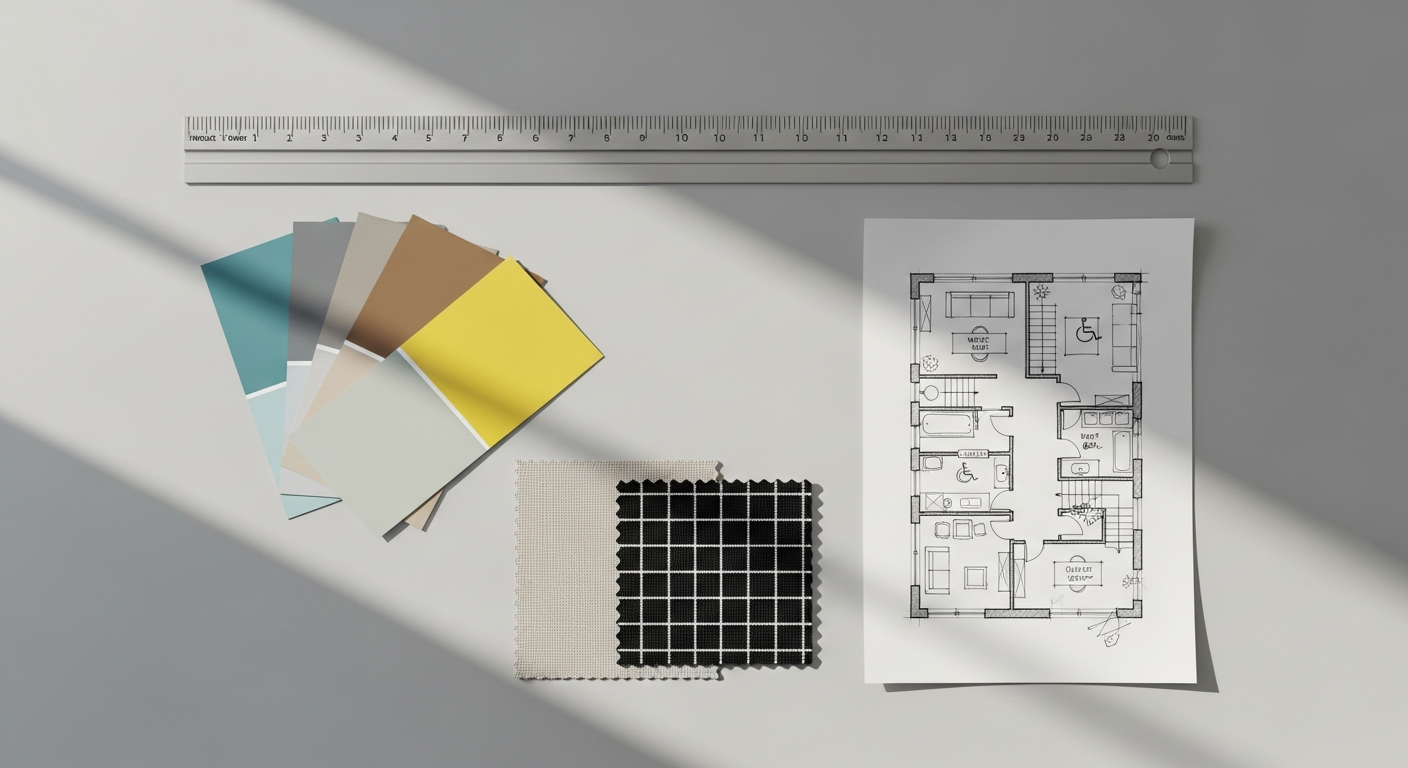
Updated March 2024. Are you captivated by the idea of creating intuitive, delightful digital experiences? Do you find yourself analyzing why certain apps are a joy to use, while others cause frustration? If so, learning how to start a UI/UX design career might be your true calling. The landscape of technology is constantly evolving, and with it, the demand for skilled designers who can bridge the gap between complex systems and human needs is skyrocketing.
As we look towards 2026 and beyond, the importance of user-centered design will only intensify, making this a dynamic and highly rewarding field. This comprehensive guide from LayoutScene.com is your ultimate roadmap, meticulously crafted to help you navigate the exciting journey from aspiring enthusiast to a successful, professional product designer. We’ll delve into everything from understanding the core principles and mastering essential tools to building an impressive portfolio and securing your dream job, ensuring you’re well-equipped for the future of design.
TL;DR
A career in digital product design offers creativity and impact, requiring a blend of technical skills, empathy, and continuous learning. Build a strong portfolio with compelling case studies, master industry-standard tools, and actively network to land your first role. Success in this evolving field hinges on lifelong learning and adaptability.
Is a UI/UX Design Career the Right Path for You?
Embarking on any professional path requires introspection, and the digital design field is no exception. Before diving into the practicalities, it’s crucial to understand what this discipline truly entails and if it aligns with your passions and aptitudes. Interface creation is not merely about making things look pretty; it’s a profound discipline focused on solving problems for users and creating meaningful interactions. User Interface (UI) design concentrates on the visual and interactive elements of a product—the buttons, icons, typography, color schemes, and overall aesthetic that users see and interact with. User Experience (UX) design, on the other hand, is a broader discipline encompassing the entire journey a user takes when interacting with a product, service, or system. It involves understanding user needs, behaviors, motivations, and pain points to ensure the experience is efficient, enjoyable, and accessible.
The core of this profession lies in empathy. Designers must be able to step into the shoes of diverse users, understand their context, and advocate for their needs throughout the product development lifecycle. This involves a blend of analytical thinking to deconstruct complex problems, creative problem-solving to devise innovative solutions, and strong communication skills to articulate design decisions to stakeholders. Mini-Case Study: Consider a healthcare app where users consistently struggled to find their lab results. A UX professional stepping into this scenario would conduct user interviews, discover that the navigation terminology was too clinical, and redesign the information architecture. The result? A 40% drop in customer support calls and a massive boost in patient satisfaction.
Furthermore, the demand for skilled professionals continues to grow across various industries, from tech startups to large enterprises, healthcare, finance, and entertainment. Businesses recognize that a superior user experience is a critical differentiator in a competitive market. Understanding the foundational concepts is paramount, and we highly recommend exploring our detailed article, What Is UX Design and Why It Matters, to gain a deeper insight into this essential discipline. If you’re someone who is excited by the prospect of shaping the future of digital interactions, then welcome—you’re in the right place.
Essential Skills for Landing Your First Design Role
To successfully break into the industry, you’ll need to cultivate a robust set of skills that span both the strategic and tactical aspects of product development. These can broadly be categorized into core UX skills, core UI skills, and essential soft skills. On the strategic side, a fundamental understanding of user research is non-negotiable. This involves methods like interviews, surveys, usability testing, ethnographic studies, and competitive analysis to uncover user needs and validate design decisions. Organizations like the Nielsen Norman Group consistently highlight the importance of thorough user research in creating truly effective products—you can read more in Nielsen Norman Group’s breakdown of user research methods. Learning about various user research techniques will equip you to gather actionable insights and build user-centric solutions from the ground up.
For the visual side, a strong grasp of design principles is crucial. This includes understanding typography, color theory, layout, hierarchy, and iconography. You’ll need to be adept at creating visually appealing interfaces that are also highly functional and intuitive. Knowledge of established design systems, such as Google’s Material Design and Apple’s Human Interface Guidelines, is invaluable for ensuring consistency. Accessibility is another critical component; understanding and applying guidelines like WCAG 2.1 or 2.2 is essential to ensure your designs are usable by people with diverse abilities. This commitment to inclusive design not only expands your potential user base but is also becoming a legal and ethical imperative.
Beyond the technical skills, soft skills are equally, if not more, important for long-term success. Empathy, as mentioned, is foundational. Strong communication skills are vital for collaborating with cross-functional teams (developers, product managers, marketers), presenting your work, and articulating your rationale clearly and persuasively. Problem-solving, critical thinking, and adaptability are also highly valued, as design challenges rarely have straightforward solutions and often require iterative approaches. You must be open to feedback, capable of constructive critique, and possess a growth mindset to continuously learn and evolve.
[INLINE IMAGE 2: A designer working on a UI/UX project on a laptop, illustrating user research and wireframing concepts.]
Types of Design Tools and When to Apply Them

In the dynamic world of digital product creation, proficiency with industry-standard tools is non-negotiable. While the principles of good design remain constant, the software we use to bring those principles to life evolves rapidly. The good news is that many modern applications are intuitive and offer powerful features, making them accessible to beginners while providing depth for seasoned professionals. Your toolkit will typically include applications for ideation, wireframing, prototyping, and visual execution.
The trio of Figma, Sketch, and Adobe XD has dominated the landscape for several years, each with its unique strengths and ecosystem. Figma, in particular, has risen to prominence due to its unparalleled real-time collaboration features, making it a favorite among remote and co-located teams alike. It allows multiple designers to work on the same file simultaneously, streamlining workflows and feedback loops. Adobe XD offers seamless integration with other Adobe products like Photoshop and Illustrator, which can be a significant advantage if you already use these tools. For those entrenched in the Apple ecosystem, Sketch has long been a go-to tool. You can delve deeper into their comparative advantages by reading our detailed comparison of Figma and Adobe XD, or check out our comprehensive tutorial on Sketch.
Beyond the primary applications, you’ll also benefit from familiarity with other specialized software. For user research and ideation, tools like Miro or Mural are excellent for collaborative whiteboarding and brainstorming. Dovetail or EnjoyHQ can assist with qualitative research synthesis, helping you organize and analyze user feedback efficiently. For creating flowcharts and user journey maps, tools like Lucidchart or even simple drawing applications can be effective. While it’s not necessary to master every single tool, gaining proficiency in at least one primary application and understanding the purpose of others will significantly enhance your capabilities and employability.
The Anatomy of a Standout Design Portfolio
Your portfolio is arguably the most critical asset in your job search, serving as a visual resume that showcases your skills, process, and potential. It’s not just a collection of pretty screens; it’s a narrative of your professional journey, demonstrating your problem-solving abilities and how you approach user challenges. A compelling presentation tells a story, detailing the “why” behind your decisions, the “how” of your process, and the “what” of the outcomes. Hiring managers want to see your thought process, not just the final polished product. Therefore, each project should be presented as a case study, meticulously explaining the problem you addressed, your research methods, your ideation, the iterations you made, and the impact of your solution.
When selecting projects, prioritize quality over quantity. Three to five strong case studies that demonstrate a range of skills (e.g., mobile app, web platform, service design) are far more effective than ten mediocre ones. For aspiring professionals without corporate experience, personal projects, redesigns of existing apps, or conceptual projects are perfectly acceptable. Consider participating in design challenges or hackathons to build out your body of work quickly. Learning how to build a UI/UX design portfolio is a critical step in translating your theoretical knowledge into hirable proof.
Presentation is key. Ensure your site is easy to navigate, visually appealing, and reflects your aesthetic sensibility. Use clear headings, concise descriptions, and high-quality visuals. Explain your role in each project, especially if it was a team effort. Quantify results where possible (e.g., “improved task completion rate by X%,” “reduced user errors by Y%”). Also, tailor your presentation to the types of roles you’re applying for; highlight projects and skills most relevant to the job description. Remember, this is a living document; continuously update it with your best and most recent work.
[INLINE IMAGE 4: A digital portfolio showcasing UI/UX design case studies and projects for career advancement.]
How Do You Land Your First UI/UX Job?
Securing your first role can feel daunting, but with a strategic approach, it’s an achievable goal. The journey begins long before you hit “apply.” Start by actively networking within the community. Attend local meetups, webinars, and conferences. Connect with peers on platforms like LinkedIn, Dribbble, and Behance. Mentorship and networking in design are critical accelerators for your career. Platforms like ADPList or DesignLab offer excellent avenues to find experienced mentors who can review your portfolio and provide tailored career advice. When networking, don’t just ask for a job; ask for a 15-minute virtual coffee chat to discuss their journey. This builds genuine relationships that often lead to unadvertised opportunities.
When it comes to the application process itself, be prepared for multiple stages. This often includes an initial screening call, a portfolio review, a technical interview (which might involve a whiteboard exercise), and behavioral interviews. For the portfolio review, be ready to walk through your case studies, explaining your process and rationale in detail. Practice articulating your decisions and be prepared to answer questions about your choices, challenges you faced, and how you iterated. For technical challenges, approach them systematically, verbalizing your thought process as you go. Remember, interviewers are often more interested in how you think and solve problems than in a perfect final solution under pressure. Our guide on the steps to become a professional designer provides further strategies tailored to helping you navigate these stages.
Beyond technical preparation, understanding company culture and values is also crucial. Research the company thoroughly before your interview. Look at their products, read their blog, and understand their mission. This will not only help you prepare thoughtful questions but also determine if the company is a good fit for you. During the interview, demonstrate enthusiasm, a willingness to learn, and strong communication skills. Be ready to discuss your strengths and weaknesses honestly, showing self-awareness and a growth mindset.
Marketing, Legal, and Agency Strategies for Designers
Once you have the core skills, visibility and business acumen become key differentiators. Marketing strategies for designers revolve around personal branding and demonstrating expertise publicly. Create a strong presence on LinkedIn by sharing your process, commenting on industry trends, and publishing short case studies. Utilize platforms like Dribbble or Behance not just as repositories, but as social networks to engage with other creatives. Client acquisition for freelancers often stems from inbound marketing—writing articles on Medium or your own blog about solving specific business problems through design can attract founders and product managers looking for your exact skill set.
If you choose the freelance route, understanding the legal aspects of your business is just as important as your creative skills. Beyond basic contracts, you must grasp intellectual property (IP) rights—specifically, who owns the source files once the project is completed. Always use clear client agreements that outline revision limits, payment schedules, and deliverables. Furthermore, knowing how to price design services accurately ensures you remain profitable while covering your operational and legal bases. Consider consulting a legal professional to draft a master service agreement (MSA) tailored to your specific offerings.
For those with entrepreneurial aspirations, transitioning from a solo freelancer to an agency owner is a thrilling milestone. Building and managing a design agency requires a shift from doing the hands-on work to managing people and pipelines. You’ll need to establish standardized operating procedures (SOPs) for client onboarding, handoffs, and quality assurance. Hiring the right mix of researchers, visual specialists, and project managers is critical. Additionally, agency owners must focus heavily on business development and maintaining a healthy cash flow, ensuring the team has a steady stream of high-value projects.
Common Questions and Answers About the UI/UX Field
Navigating a new industry comes with many uncertainties. Here are some of the most common inquiries from aspiring professionals looking to enter the digital product space.
Do I need a formal degree to become a UI/UX designer?
While a degree in human-computer interaction, graphic arts, or a related field can be beneficial, it’s not strictly necessary. Many successful professionals come from diverse backgrounds and are self-taught or have completed bootcamps. What truly matters to employers is a strong portfolio showcasing your skills, process, and understanding of user-centered principles.
How long does it typically take to learn the necessary skills and land a job?
The timeline varies greatly depending on your dedication and prior experience. A dedicated bootcamp might take 3-6 months, while self-study could range from 6 months to over a year. Landing your first job after acquiring skills can take another few months of active networking and applying. Expect a total of 9-18 months for many individuals to go from beginner to employed, though this is a broad estimate.
What’s the difference between UI and UX, and which should I focus on?
UX is about the entire user journey and problem-solving, focusing on usability, accessibility, and satisfaction. UI is about the visual and interactive elements of a product—how it looks and feels. While distinct, they are deeply intertwined. Many roles require proficiency in both, often termed “Product Designer.” It’s generally recommended to develop foundational skills in both areas and then specialize as your interests evolve.
Is coding knowledge required for these roles?
While not strictly required for most positions, having a basic understanding of front-end web development (HTML, CSS, JavaScript) can be a significant advantage. It enables better communication with developers, helps you understand technical constraints, and makes your work more implementable. However, your primary focus should be on core principles and tools.
How important is networking in finding an opportunity?
Networking is incredibly important. Many job opportunities are found through connections, referrals, or by being active in the community. Attending meetups, webinars, connecting on LinkedIn, and conducting informational interviews can provide invaluable insights, mentorship, and open doors to roles that might not even be publicly advertised.
Charting Your Long-Term Design Career Path
Landing your first job is a fantastic achievement, but it’s just the beginning of a dynamic and evolving journey. The landscape is constantly shifting, driven by technological advancements, changing user behaviors, and new industry standards. To thrive long-term, you must commit to continuous learning and professional development. This means staying updated on emerging trends, new tools, and best practices. Consider specializing in a particular area, such as research, interaction design, accessibility, or design systems, as you gain experience. Deep expertise in a niche can make you an invaluable asset to teams and open up new pathways.
Furthermore, understanding the business impact of your decisions becomes increasingly important as you advance. Being able to articulate how your work contributes to key business metrics (e.g., conversion rates, customer retention, revenue) will elevate your value within any organization. Embrace data-driven methodologies, using analytics and user feedback to continuously optimize and iterate on products. Don’t forget the importance of accessibility and ethical practices; these are not just checkboxes but fundamental responsibilities that shape the future of digital experiences.
Your journey is a continuous process of learning, iterating, and refining your craft. By applying the strategies and insights shared in this guide, you are well-equipped to navigate the challenges and seize the opportunities that lie ahead. For more personalized guidance or to learn about our community, visit our About Us page or Contact our team of experts.
Recommended Next Steps:
- Deep Dive into Fundamentals: Read our comprehensive article What Is UX Design and Why It Matters to solidify your foundational knowledge.
- Start Building: Begin experimenting with a tool. Explore our Figma vs Adobe XD Comparison or Sketch App Guide to pick your starting point.
- Learn Research: Understand the backbone of good products with our UX Research Methods Guide.
- Craft Your Portfolio: Start planning your first case study using insights from How to Build a Design Portfolio.
- Plan Your Path: Chart your full trajectory with our guide on How to Become a UI/UX Designer.
Sources & References
- Nielsen Norman Group: When to Use Which User-Experience Research Methods
- Interaction Design Foundation: What is User Interface Design?
- W3C: Web Content Accessibility Guidelines (WCAG) Overview
Reviewed by Maya Singh, Senior Content Editor & UX Strategist — Last reviewed: April 15, 2026