Understanding the Foundation: What is UX Design and Why Your Portfolio Matters
Before diving into the mechanics of building a portfolio, it’s essential to solidify your understanding of the discipline itself. What Is UX Design And Why It Matters is a question fundamental to anyone entering this field. At its core, User Experience (UX) design is about creating products, services, and environments that provide meaningful and relevant experiences to users. This involves the entire process of acquiring and integrating a product, including aspects of branding, design, usability, and function. It’s a holistic approach focused on understanding user needs, behaviors, motivations, and pain points to design solutions that are intuitive, efficient, and enjoyable.
The significance of UX design in today’s digital-first world cannot be overstated. From mobile applications and websites to smart home devices and immersive virtual realities, good UX is the differentiator that fosters user loyalty, drives business success, and ultimately, improves people’s lives. It’s a field that demands empathy, critical thinking, problem-solving prowess, and a deep understanding of human psychology and technology. As a beginner, grasping this broad scope is crucial, as your portfolio must reflect not just aesthetic sensibilities but your ability to navigate the complex landscape of user-centered design.
So, why does your portfolio matter so profoundly? In the absence of extensive professional experience, your portfolio serves as tangible evidence of your skills, thought process, and potential. It’s not merely a gallery of pretty screens; it’s a window into your design methodology, your problem-solving capabilities, and your understanding of user needs. Recruiters and hiring managers in 2026 are looking beyond polished interfaces; they want to see how you approach a challenge, the research you conduct, the decisions you make, and the impact of your work. Your portfolio is your opportunity to tell a compelling story about your journey through each project, demonstrating your value as a future UX professional.
Laying the Groundwork: Before You Even Start Building
Embarking on the journey of creating your first UX portfolio can feel overwhelming, but a strategic pre-building phase will make the process far more streamlined and effective. Think of this as your initial user research and information architecture for your own professional presentation.
Define Your Niche and Target Roles
The UX landscape is vast, encompassing roles like UX Researcher, UI Designer, Interaction Designer, Product Designer, and more. While many entry-level positions seek generalists, having a clear idea of the type of role you’re aspiring to can significantly influence the projects you highlight and the narrative you construct. Are you passionate about data-driven research, or do you gravitate towards visual design and interaction? Understanding your strengths and interests will help you tailor your portfolio to attract the right opportunities. Research job descriptions for roles you’re interested in for 2026; what skills are they consistently asking for? This informs your content strategy.
Curate Your Projects Thoughtfully
As a beginner, you might not have a wealth of professional projects. This is perfectly normal and expected. The key is to demonstrate your abilities through a variety of experiences:
- Personal Projects: Redesign an existing app or website you find frustrating. Design a solution for a problem you encounter in your daily life. These show initiative and your ability to identify and solve real-world issues.
- Concept Projects: Imagine a new feature for a popular service or an entirely new product. These allow for creative freedom and can showcase your visionary thinking.
- Volunteer Work/Pro-Bono: Offering your skills to a non-profit or a small business not only provides valuable experience but also demonstrates your commitment and ability to work with real stakeholders.
- Bootcamp/Course Projects: Projects completed during your UX education are excellent starting points, especially if they involved a full design cycle.
Aim for 3-5 strong, diverse projects that showcase different facets of UX design (e.g., one research-heavy project, one UI-focused project, one end-to-end product design). Quality trumps quantity every time. A single, well-documented case study is more impactful than five underdeveloped ones.
Understand Your Audience: Recruiters and Hiring Managers
Your portfolio’s primary users are recruiters and hiring managers. They are busy individuals, often sifting through dozens, if not hundreds, of applications. Their goal is to quickly assess if you have the necessary skills and potential for a specific role. Therefore, your portfolio must be:
- Easy to Navigate: A clear structure and intuitive layout are paramount.
- Concise: Get to the point. While detail is good, avoid excessive jargon or rambling paragraphs.
- Visually Appealing: Professional presentation reflects attention to detail.
- Process-Oriented: They want to see your thinking, not just pretty pictures.
Put yourself in their shoes. What questions would they ask? What information do they need to make a decision? Designing your portfolio with these users in mind is, in itself, a demonstration of good UX principles.
Adopt a Storytelling Mindset
Every project in your portfolio should tell a compelling story. This isn’t just about presenting facts; it’s about weaving a narrative that highlights your journey, challenges, solutions, and learnings. This storytelling approach is what transforms a static collection of images into a dynamic demonstration of your design process and impact.
Crafting Your Narrative: Showcasing Your Process, Not Just the Product
The Power of the Case Study
Each project in your portfolio should be presented as a detailed case study. Think of it as a mini-research paper that walks the reader through your design process from start to finish. A typical UX case study should include:
- Project Overview & Problem Statement:
- Introduction: Briefly introduce the project, your role, and the team (if applicable).
- The Challenge/Problem: Clearly articulate the user or business problem you set out to solve. Why was this project necessary? What pain points did it address?
- Goals: What were the specific objectives for the project?
- Your Role & Responsibilities:
- Detail exactly what you contributed to the project. If it was a team effort, clearly delineate your specific tasks and deliverables.
- Research & Discovery:
- This is where you demonstrate your empathy and investigative skills.
- Methodologies: Describe the research methods you employed (e.g., user interviews, surveys, competitive analysis, usability testing, persona creation).
- Key Findings: Summarize the most important insights gained from your research. How did these findings shape your understanding of the problem?
- Ideation & Design:
- Show how you translated research into design solutions.
- Sketches & Wireframes: Present early concepts. Don’t be afraid to show rough sketches; they demonstrate iterative thinking.
- User Flows & Sitemaps: Explain the user journey and how you organized content. This is a perfect place to demonstrate your understanding of Information Architecture Explained. A well-defined information architecture ensures that users can easily find and understand information, reducing cognitive load and enhancing usability. In your portfolio, showing how you structured content, categorized features, and designed navigation paths for your project demonstrates your ability to create intuitive and logical systems, reflecting a core UX skill.
- Prototyping: Describe how you created interactive prototypes to test your ideas.
- Iteration: Crucially, show how your designs evolved based on feedback and testing. This highlights your adaptability and commitment to user-centered design.
- Testing & Validation:
- How did you validate your designs?
- Usability Testing: Describe your testing methodology, participants, and key findings.
- Feedback Integration: Explain how you used test results to refine your designs.
- Solution & Final Designs:
- Present your high-fidelity mockups and final UI designs. These should be accompanied by clear explanations of design choices and how they address the initial problem.
- Visuals: Ensure screenshots are high-quality, clearly labeled, and show context.
- Results & Impact:
- Whenever possible, quantify the impact of your design. Did it improve conversion rates, reduce task completion time, increase user satisfaction? Even if it’s a concept project, hypothesize the potential impact.
- Key Learnings: Reflect on what you learned from the project. What would you do differently next time? This demonstrates self-awareness and a growth mindset.
Pro-Tip for Beginners: Don’t feel pressured to have perfect, fully-fledged projects. Focus on demonstrating your process with the tools and knowledge you have. Even a well-documented redesign of a small feature can be incredibly insightful for a recruiter if you clearly articulate your approach.
Visual Storytelling: Design Principles for Your Portfolio
While the process is paramount, the presentation of your portfolio itself is a critical component of its success. Your portfolio is a UX product in its own right, and its usability and aesthetic appeal reflect directly on your skills as a designer. In 2026, expectations for online presentations are high, and your portfolio needs to deliver an excellent user experience.
Your Portfolio as a UX Product
Apply the very UX principles you advocate for to your own portfolio website:
- Clear Information Architecture: Just as with your project work, the organization of your portfolio content needs to be logical and intuitive. Make it easy for visitors to find your projects, your “About Me” section, and your contact information. A clean navigation system is essential.
- Usability: Is your site easy to navigate? Are links clearly clickable? Is text readable?
- Accessibility: Ensure your portfolio is accessible to all users, including those with disabilities. Consider color contrast, alt text for images, and keyboard navigation.
- Mobile Responsiveness: A non-negotiable in 2026. Your portfolio must look and function flawlessly on desktops, tablets, and mobile phones.
High-Quality Visuals and Consistency
The visual elements of your portfolio play a crucial role in engaging your audience and conveying professionalism:
- Stunning Screenshots & Mockups: Present your final designs using high-resolution, well-cropped screenshots and realistic mockups. Show your designs in context (e.g., on a device screen). These visuals should be compelling and clearly illustrate the solution.
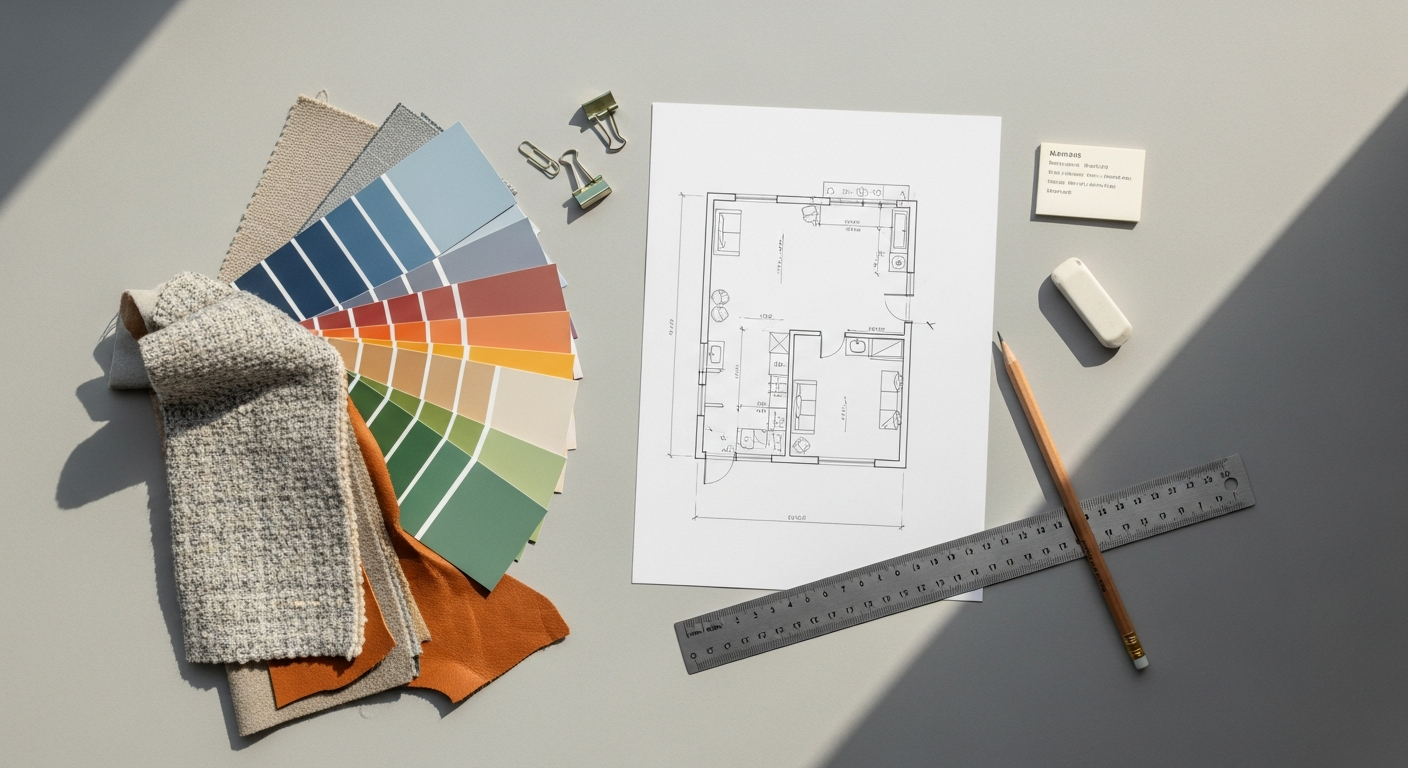
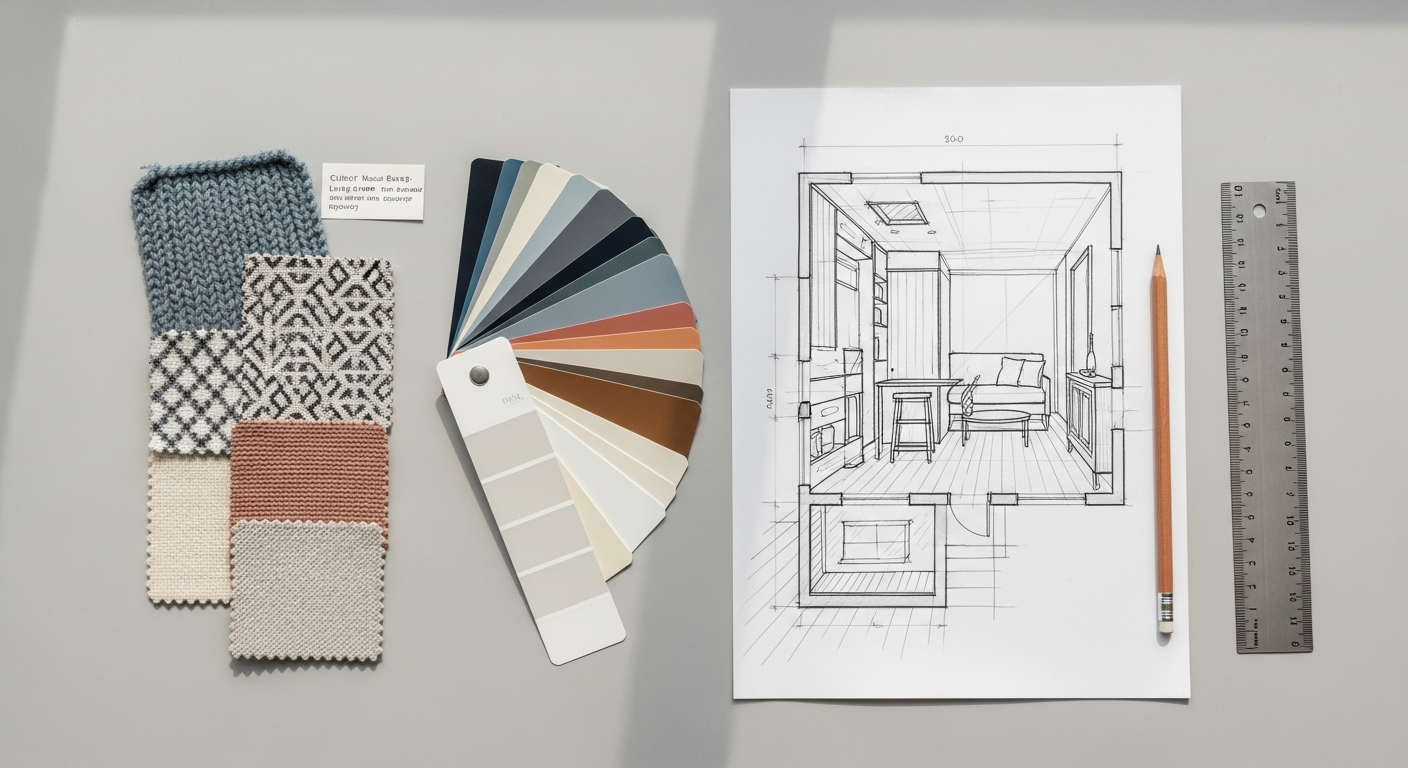
- Process Visuals: Don’t just show final designs. Include photos of sticky notes from brainstorming sessions, whiteboard sketches, early wireframes, and user flow diagrams. These visuals make your process tangible and engaging.
- Branding & Consistency: Maintain a consistent visual identity throughout your portfolio. This includes typography, color palette, spacing, and image styles. A cohesive look demonstrates your attention to detail and ability to apply design systems.
- Thoughtful Layout: Use plenty of white space to make your content breathable and easy to digest. Break up long blocks of text with images, headings, and bullet points.
Applying Lessons from Visual Communication
The principles you’d find in a Social Media Graphics Design Guide are surprisingly relevant here. Just as compelling social media graphics need to quickly grab attention, convey a message, and prompt engagement, your portfolio’s visual presentation needs to do the same:
- Visual Hierarchy: Guide the viewer’s eye. Use size, color, and placement to emphasize the most important elements on your page (e.g., project titles, key outcomes).
- Clear Messaging: Ensure your visuals support your written narrative, not distract from it. Each image should serve a purpose in telling your project’s story.
- Call to Action (Implicit): While not a direct “buy now” button, your portfolio’s design should implicitly encourage recruiters to delve deeper into your projects and ultimately reach out to you. A clean, inviting, and professional aesthetic achieves this.
- Impactful Thumbnails: The thumbnail images for each project on your main portfolio page are like social media posts. They need to be visually appealing and intriguing enough to make someone click through to the full case study.
Tools for Building Your Portfolio
You have several options for hosting your portfolio:
- Website Builders: Platforms like Webflow, Squarespace, Wix, and Adobe Portfolio offer user-friendly interfaces for creating visually rich websites without extensive coding knowledge. They provide templates that can be customized to your brand.
- Design Community Platforms: Behance and Dribbble are popular for showcasing creative work, but they are often more visually focused. While good for visibility, they might not offer the depth needed for detailed UX case studies. Consider them as supplementary platforms that link back to your main portfolio.
- Custom Coded Site: If you have front-end development skills, building your own site offers maximum flexibility and is an impressive demonstration of your technical abilities.
Choose a platform that you are comfortable with and that allows you to present your work in a professional and engaging manner.
Optimizing for Impact: Visibility and Continuous Improvement
Building a stellar portfolio is only half the battle; ensuring it gets seen and continuously improved upon is equally vital for landing opportunities in 2026.
Make Your Portfolio Discoverable
- Search Engine Optimization (SEO) Basics: While you don’t need to be an SEO expert, applying basic principles can increase your portfolio’s visibility.
- Keywords: Use relevant keywords in your page titles, headings, and project descriptions (e.g., “UX designer portfolio,” “product design case study,” “user research projects”).
- Alt Text: Add descriptive alt text to all your images. This helps search engines understand your images and improves accessibility.
- Clean URLs: Use simple, descriptive URLs for your project pages.
- Site Speed: Ensure your website loads quickly. Optimize images and minimize unnecessary code.
- Professional Networking Platforms:
- LinkedIn: Include a prominent link to your portfolio on your LinkedIn profile. Share your projects as posts, explaining your process and learnings. Engage with UX communities and professionals.
- Dribbble/Behance: While not ideal for full case studies, these platforms are great for visual snippets and driving traffic to your main portfolio. Curate visually appealing project highlights.
- Share Your Work: Don’t be shy! Share your portfolio with peers, mentors, and on relevant online forums or communities (e.g., Reddit’s r/userexperience, UX Discord servers).
Seek Feedback and Iterate Relentlessly
Your portfolio, like any good product, should be a living document that undergoes continuous iteration and improvement. This demonstrates a core UX principle: the willingness to gather feedback and refine your work.
- Peer Reviews: Ask fellow designers, mentors, or even friends outside of design to review your portfolio. Fresh eyes can spot errors, confusing language, or areas that lack clarity.
- Targeted Feedback: If you have specific roles in mind, try to get feedback from someone who works in a similar capacity. Ask them what they look for in a junior portfolio.
- Refine Your Case Studies: As you gain more experience, revisit your older projects. Can you add more measurable impact? Can you articulate your learnings more effectively? Have your visuals improved?
- Add New Projects: As you complete more work, update your portfolio with your strongest, most relevant projects. Remove weaker or outdated ones. Keep it fresh and representative of your current skills.
Remember, the goal isn’t perfection from day one, but continuous growth and improvement. Your portfolio should evolve with you as you grow as a UX designer.
Tailor Your Portfolio for Specific Applications
While having a core portfolio is essential, customize your application materials for each job opportunity. This might involve:
- Highlighting Specific Projects: If a job description emphasizes user research, make sure your research-heavy case study is prominently featured or linked directly in your cover letter.
- Customized Cover Letters: Reference specific projects from your portfolio that are most relevant to the role and company. Explain why those projects make you a strong candidate for their specific needs.
- Creating a “Best Of” Page: Some designers create a dedicated page or section that curates projects most relevant to the type of roles they are currently applying for, making it easier for recruiters to see the fit.
This level of personalization shows initiative and a genuine interest in the role, greatly increasing your chances of making a positive impression.
Embarking on your UX design journey in 2026 is an exciting prospect, filled with opportunities to shape meaningful digital experiences. Your portfolio is not merely a formality; it’s a strategic asset that will open doors and showcase your potential. By focusing on compelling storytelling, demonstrating your process, applying strong visual design principles, and continuously iterating based on feedback, you can build a portfolio that truly reflects your capabilities as a budding UX professional. Remember, every great designer started somewhere, and a well-crafted portfolio is your powerful first step towards making your mark in the world of user experience.
Frequently Asked Questions
Recommended Resources
Learn more about this topic in What Is Devops And Why Does It Matter For Startups at Eamped.
Related reading: Best Project Management Tools 2026 (Bookmark Sharer).