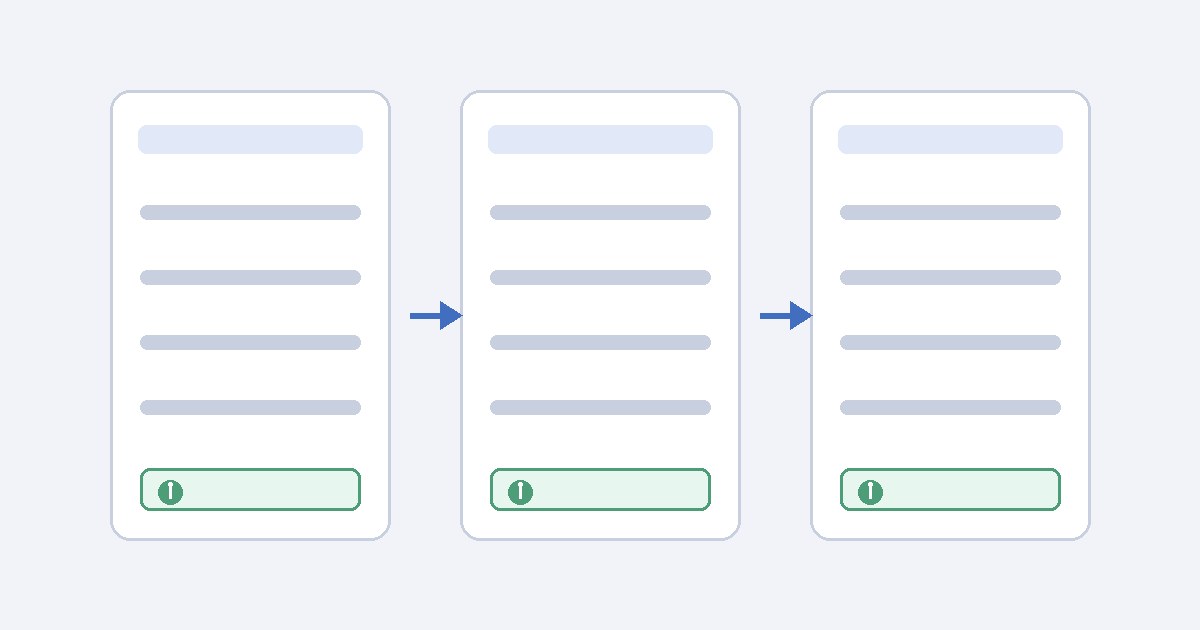
When people get stuck partway through a task, such as filling in a form or looking for a document, they look for help. If the help link sits in the header on one page and the footer on the next, it is harder to find. WCAG 2.2 added Success Criterion 3.2.6, Consistent Help, at Level A to cover this. This guide explains what the criterion requires, what it leaves out, and how a design team can review it. It is general information for designers and developers, not an accessibility audit or legal advice.
The requirement in W3C's words
The criterion reads: "If a web page contains any of the following help mechanisms, and those mechanisms are repeated on multiple web pages within a set of web pages, they occur in the same order relative to other page content, unless a change is initiated by the user."
It lists four help mechanisms:
- Human contact details
- Human contact mechanism
- Self-help option
- A fully automated contact mechanism
The W3C summary is: keep repeated help mechanisms in the same relative order when they are on multiple pages. People who need help can find it more easily when it is consistently placed.
Direct help or a link both count
The first note in the criterion says help mechanisms may be on the page itself or linked from it. A phone number in the header and a "Contact us" link that goes to a contact page are both covered. Either way, the mechanism needs to keep the same relative order across the set of pages.
"Same relative order" means serialized order
The second note explains that "the same order relative to other page content" can be thought of as the order of the content when the page is serialized, which is roughly source or reading order. The Understanding document gives a test: content that comes before the help item on other pages in the set should come before it on this page, and content that comes after it should come after it.
W3C also points out a limit. If a help item looks like it is in a different place but keeps the same serial order, users may not find that helpful, but it does not fail the criterion. Design teams should aim for both consistent visual position and consistent reading order. The criterion only enforces reading order.
What the criterion does not require
The Understanding document lists several limits:
- No requirement to provide help. The criterion applies only when one of the listed help mechanisms is repeated across pages. A page without help does not fail.
- No requirement for round-the-clock human support. A human does not need to be available at all times. W3C suggests telling users when human contact is available if it is not always staffed.
- PDFs and other static documents are excluded. Downloadable documents are not part of the set of web pages.
- Interface-level help is a different thing. W3C separates help mechanisms from contextual help, spell checkers, and instructional text in a form.
Sets of pages can differ
The criterion applies within a set of web pages. W3C's example is a web-based spreadsheet application with one set of pages for editing spreadsheets and another for marketing the product. These sets can put help in different places. W3C still recommends keeping help as consistent as possible across related sets.
The user-initiated change exception
The exception for "a change initiated by the user" is narrower than it sounds. According to the Understanding document, it covers actions the user takes to change the display or layout of a page, such as changing zoom level, orientation, or viewport size. A smaller viewport can therefore place help differently from a larger one.
W3C says the exception does not cover every user action. Moving between pages in the set is not a user-initiated change for this purpose, and logging in or out would not usually qualify either. The user must be doing something that would reasonably be expected to change the relative order of components on the page.
A review workflow
- Define the set of pages. Examples include the checkout flow, the account area, or a documentation section. Write down the boundaries.
- List the help mechanisms that repeat. Phone numbers, contact forms, help center links, chat widgets, and chatbots are common. Leave out field-level instructions.
- Capture reading order on each template. Use the accessibility tree, the DOM order, or a screen reader's reading order to note what comes before and after each help mechanism.
- Compare at the same page variation. Check pages at the same zoom level, orientation, and breakpoint. Then repeat the check at mobile width, because responsive templates can show differences that the desktop layout hides.
- Check visual position too. It is not required, but a help link that keeps its reading order while appearing somewhere else is still harder to find.
- Record the findings. Note the page, variation, mechanism, expected position, observed position, and criterion.
Design notes
The easiest way to meet the criterion is to put help mechanisms in shared layout components such as a global header, footer, or persistent support button, rather than placing them page by page. When a team builds a special landing page or campaign template, someone should check whether it removes or moves the shared help element in a way that changes its order within the set.
The criterion is about placement, not quality. Consistent placement does not show that a phone line is staffed, that a chatbot answers correctly, or that documentation solves the problem. Those are separate content and service questions.
Limits of this guide
WCAG requirements depend on version, conformance level, and context. Read the normative W3C Recommendation together with the Understanding document (which is informative) before making a release decision. This article is general information, not an audit or legal opinion.
Sources
- W3C, Web Content Accessibility Guidelines (WCAG) 2.2, Success Criterion 3.2.6 Consistent Help: https://www.w3.org/TR/WCAG22/#consistent-help
- W3C WAI, Understanding Success Criterion 3.2.6: Consistent Help (intent, serialized-order test, limitations, user-initiated change exception): https://www.w3.org/WAI/WCAG22/Understanding/consistent-help.html