The Indispensable Role of Your Graphic Design Portfolio
Before diving into the mechanics of building a portfolio, it’s crucial to grasp its fundamental purpose and why it remains the single most important tool in a graphic designer’s arsenal. Your portfolio serves multiple critical functions, each contributing to your professional advancement.
More Than Just a Showcase: A Strategic Business Tool
Firstly, a graphic design portfolio acts as your primary visual resume. While a traditional resume lists your qualifications and experience, the portfolio provides irrefutable evidence of your capabilities. It transforms abstract claims into tangible examples, allowing recruiters, art directors, and potential clients to directly assess your aesthetic sensibility, technical proficiency, and creative problem-solving skills. In a field as visually driven as graphic design, seeing truly is believing.
Secondly, it’s a powerful personal branding tool. Every project you include, every word you write in a case study, contributes to the perception of who you are as a designer. Do you specialize in branding, web design, illustration, or motion graphics? Is your style minimalist, vibrant, corporate, or whimsical? Your portfolio should articulate your unique design philosophy and demonstrate your niche, helping you attract the right kind of opportunities that align with your professional aspirations and strengths.
Finally, and perhaps most importantly, your portfolio serves as a conversation starter. It provides a common ground for discussion during interviews or client meetings, allowing you to elaborate on your process, defend your design choices, and showcase your critical thinking. It moves the conversation beyond theoretical questions to concrete examples of your work and how you approach challenges. In the competitive landscape of 2026, a strong portfolio doesn’t just get you noticed; it gets you hired and helps you win lucrative projects.
Curating Your Best Work: Quality Over Quantity
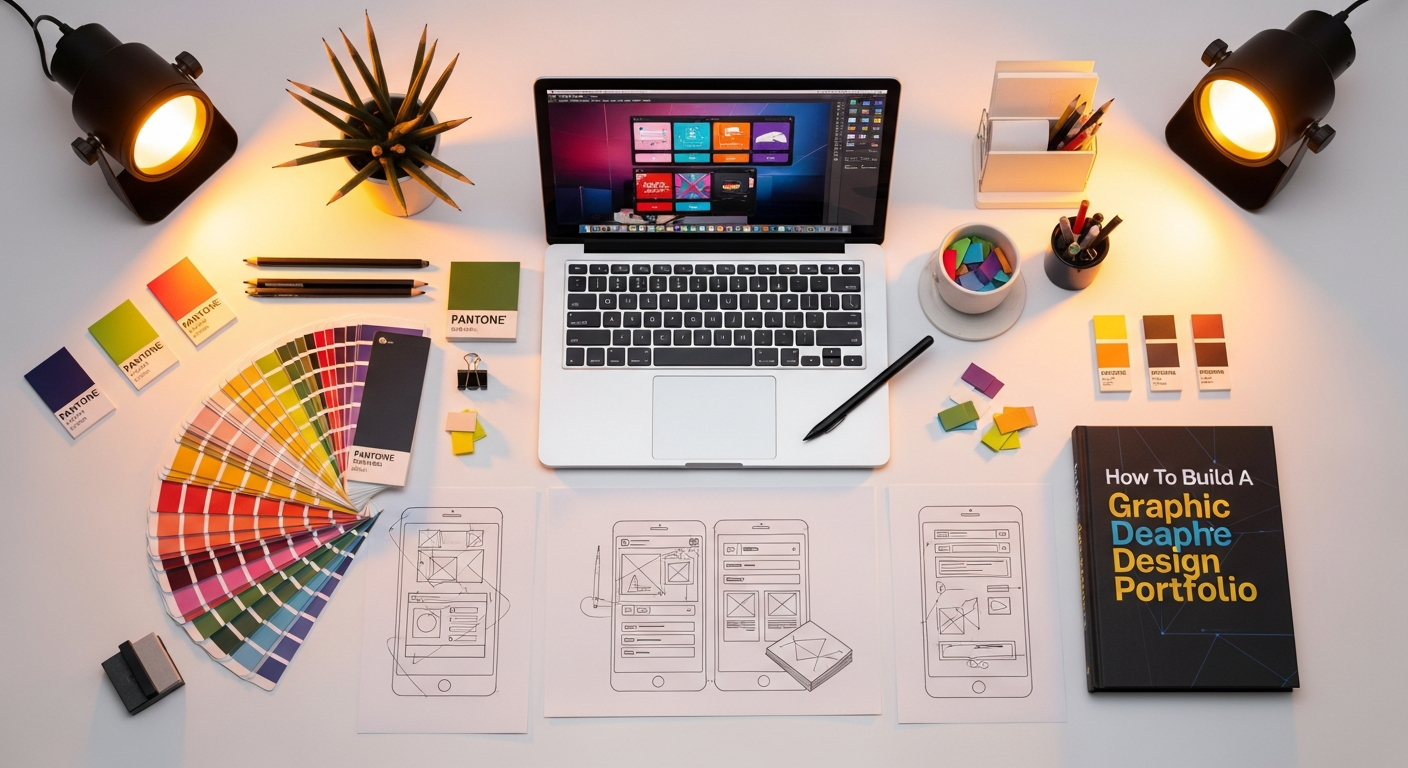
The temptation to include every project you’ve ever worked on can be strong, especially when you’re just starting out or eager to demonstrate versatility. However, one of the most critical principles in building an effective graphic design portfolio is quality over quantity. A smaller collection of exceptional projects will always outperform a vast, uneven assortment.
The Art of Strategic Selection
Your goal is not to show everything, but to show your best. Begin by reviewing all your design work, both professional and personal. Be ruthless in your critique. Ask yourself:
- Does this project genuinely represent my best work?
- Does it showcase skills relevant to the types of roles or clients I’m targeting?
- Does it demonstrate my ability to solve a specific design problem?
- Is the aesthetic consistent with the professional image I want to project?
- Is the final output polished and visually appealing?
Aim for a selection of 5-10 strong projects. This allows for depth without overwhelming the viewer. If you have a project that’s good but not great, it’s often better to leave it out. Remember, your portfolio is only as strong as its weakest piece.
Showcasing Versatility and Problem-Solving
While focusing on your best work, also consider diversity. A portfolio that showcases a range of skills – for example, a branding project, a web design concept, an editorial layout, and an illustration piece – can be more compelling than one focused solely on a single medium. This demonstrates adaptability and a broad skillset, which is highly valued in the modern design industry. However, if you are specializing in a niche, ensure your projects reinforce that expertise.
Crucially, your projects should highlight your ability to solve problems, not just create aesthetically pleasing visuals. Employers and clients are looking for designers who can understand a brief, overcome challenges, and deliver effective solutions. This is where a foundational understanding of principles like What Is UX Design And Why It Matters becomes invaluable. Even in seemingly purely aesthetic projects, there’s often an underlying user experience consideration – how will the viewer interact with this poster? Is this logo memorable and easily understood by its target audience? Thinking about your projects through a problem-solving lens elevates them from mere art to strategic design.
Ethical Considerations and NDAs
When selecting projects, always be mindful of non-disclosure agreements (NDAs) and client confidentiality. If you worked on a project under an NDA, you might not be able to show the final product or mention the client by name. In such cases, consider:
- Creating a redacted version of the project, removing sensitive information.
- Showcasing only conceptual work or process elements that don’t reveal proprietary information.
- Creating a password-protected section for sensitive client work, accessible only upon request.
- Developing personal projects or speculative redesigns (often called “passion projects”) to fill gaps or showcase skills in areas where you lack client work. These can be incredibly effective at demonstrating initiative and creativity.
Transparency and integrity are paramount. Always err on the side of caution when it comes to client confidentiality.
Crafting Compelling Case Studies: The Story Behind the Design
Beyond the Visual: Explaining Your Process
A case study transforms a static image into a dynamic narrative. It walks the viewer through your journey from problem identification to final solution. Think of it as a behind-the-scenes look at your design mind. Each case study should answer key questions:
- The Problem/Challenge: What was the client’s goal, or what problem were you trying to solve? This sets the stage.
- Your Role: What specific responsibilities did you have on the project?
- The Process: How did you approach the problem? Detail your steps: research, brainstorming, mood boards, sketching, wireframing, prototyping, user testing (if applicable), iteration. This is where you demonstrate your methodology and critical thinking.
- The Solution: Present the final design and explain how it addresses the initial challenge.
- The Results/Impact: Whenever possible, quantify the success. Did the new website increase conversions? Did the branding improve customer recognition? Did the campaign achieve its goals? If you don’t have hard data, discuss positive feedback or the intended impact.
- Lessons Learned: What did you learn from the project? This shows self-awareness and a commitment to continuous improvement.
This structured approach helps the viewer understand not just what you designed, but why you designed it and how you arrived at your solution. It’s a direct demonstration of your problem-solving capabilities, a quality highly sought after by employers.
Integrating UX Thinking into Your Narrative
The modern design landscape is increasingly user-centered. Even if your primary focus isn’t strictly UX/UI, understanding What Is UX Design And Why It Matters can significantly elevate your case studies. Frame your projects not just as aesthetic exercises, but as solutions designed for specific users or audiences. Discuss:
- Target Audience: Who was the design for? How did their needs and preferences influence your decisions?
- User Journey: If applicable, how does the user interact with your design?
- Usability Considerations: How did you ensure the design was intuitive and effective?
- Feedback Integration: Did you incorporate feedback from stakeholders or users into your iterations?
By articulating these aspects, you demonstrate a holistic understanding of design that goes beyond surface-level aesthetics, proving you can create impactful experiences.
Visualizing Your Process: Supporting Assets
Don’t just talk about your process; show it! Incorporate visual elements into your case studies:
- Sketches and Wireframes: Show early ideas and structural planning.
- Mood Boards and Style Tiles: Illustrate your aesthetic direction and research.
- Iterations: Display how a design evolved from initial concept to final execution.
- User Flows or Site Maps: (For web/app projects) Demonstrate information architecture.
- Photography: High-quality mockups of your designs in real-world contexts (e.g., logo on a business card, website on a tablet screen).
These visuals break up the text, make your case studies more engaging, and provide concrete evidence of your methodology. They act as signposts on the journey you’re describing, making it easier for the viewer to follow your thought process.
Choosing Your Platform and Presentation: The Digital Stage
With your stellar work curated and compelling stories crafted, the next crucial step is deciding how and where to present it. In 2026, an online presence is non-negotiable, offering global reach and 24/7 accessibility.
Exploring Online Portfolio Platforms
There’s a myriad of options for hosting your online graphic design portfolio, each with its own advantages and disadvantages:
- Dedicated Portfolio Builders: Platforms like Adobe Portfolio (often included with Creative Cloud subscriptions), Squarespace, Wix, and Semplice offer user-friendly interfaces and professional templates. They are excellent for designers who want control over their brand and presentation without needing to code.
- Pros: Easy to use, professional templates, customizable, good for SEO.
- Cons: Can be a monthly subscription cost, some limitations in extreme customization.
- Design Community Platforms: Behance and Dribbble are industry staples. They offer a vast community, exposure, and a ready-made audience.
- Pros: Huge visibility, networking opportunities, inspiring community.
- Cons: Less control over branding, can be harder to stand out, often viewed as a supplement to a personal site rather than a complete replacement.
- Custom-Coded Websites: For designers with web development skills or the budget to hire a developer, a custom-coded website offers ultimate flexibility and control over design, functionality, and branding.
- Pros: Complete creative control, unique brand expression, excellent for demonstrating front-end development skills.
- Cons: Requires coding knowledge or significant investment, more maintenance.
For most graphic designers, a dedicated portfolio builder like Squarespace or Adobe Portfolio strikes an excellent balance between ease of use, professional appearance, and customization. Consider having a primary portfolio site and using community platforms like Behance and Dribbble as supplementary showcases to maximize your reach.
Designing for a Seamless User Experience
Your portfolio website itself is a design project, and it should reflect your skills. Apply the same principles you use in your client work to your own site:
- Clean and Intuitive Navigation: Make it effortless for visitors to find your projects, about page, and contact information. A logical structure and clear labels are key.
- Visual Hierarchy: Guide the viewer’s eye. Your project thumbnails should be prominent, and case studies should be easy to read and digest.
- Mobile Responsiveness: A significant portion of your audience will view your portfolio on mobile devices. Ensure your site looks and functions perfectly across all screen sizes. This is non-negotiable in 2026.
- Fast Loading Speed: Optimize images and code to ensure quick load times. Slow websites lead to frustrated visitors and higher bounce rates.
- Professional Branding: Ensure your portfolio’s design, typography, color palette, and imagery are consistent with your personal brand.
This is where understanding How To Conduct A Heuristic Evaluation can be incredibly beneficial. Before launching, perform a self-evaluation of your own portfolio site. Is the navigation intuitive? Is the information easily discoverable? Are there any usability issues that might hinder a recruiter or client from fully appreciating your work? Applying these principles to your own presentation demonstrates a comprehensive understanding of design beyond just creating images.
Optimizing Your Portfolio for SEO and Reach
Having a stunning portfolio is only half the battle; people need to be able to find it. Search Engine Optimization (SEO) plays a crucial role in ensuring your work gets seen by the right eyes.
Strategic Keywords and Content
Think about what terms potential employers or clients might use to find a designer like you. Integrate these keywords naturally into your portfolio’s text:
- Page Titles and Meta Descriptions: Optimize these for your homepage and individual project pages. For example, “Graphic Design Portfolio | [Your Name] | Branding, Web, UI/UX Designer.”
- Case Study Text: Weave relevant keywords into your project descriptions. If you specialize in “packaging design,” ensure that phrase appears naturally within your packaging project case studies.
- Image Alt Text: Describe your images using relevant keywords. This helps search engines understand what your images depict and improves accessibility for visually impaired users. Instead of “image1.jpg,” use “logo design for coffee shop branding project.”
- About Me Section: Use this space to describe your skills, specializations, and the value you bring, incorporating keywords relevant to your niche.
While keyword stuffing is detrimental, thoughtful integration helps search engines understand the context of your portfolio and rank it higher for relevant searches.
Building Links and Social Promotion
SEO isn’t just about on-site optimization; it’s also about off-site signals:
- Backlinks: Seek opportunities to have other reputable websites link to your portfolio. This could be through guest posts, collaborations, or mentions in industry articles.
- Social Media: Share your portfolio and individual projects across relevant social media platforms (LinkedIn, Instagram, X (formerly Twitter), Pinterest, Behance, Dribbble). Engage with the design community.
- Email Signatures: Include a link to your portfolio in your professional email signature.
- Networking: Mention your portfolio in conversations with peers, mentors, and potential clients. Word-of-mouth is still incredibly powerful.
The more quality links pointing to your portfolio, and the more it’s shared and discussed, the higher its authority and visibility in search engine results. This comprehensive approach is essential for maximizing your reach in 2026.
Beyond the Portfolio: Resume, Cover Letter, and Personal Branding
While your portfolio is the star of the show, it rarely operates in isolation. It’s part of a larger ecosystem of professional materials that work together to present a cohesive and compelling personal brand.
Synchronizing with Your Resume and Cover Letter
Your resume should be concise, highlighting your relevant experience, education, and skills. Crucially, it should always include a prominent link to your online portfolio. Ensure that the projects you highlight in your resume are also easily identifiable and well-presented in your portfolio.
A cover letter is your opportunity to express your enthusiasm for a specific role or client, explain why you’re a good fit, and draw attention to particular projects in your portfolio that are most relevant to the opportunity at hand. Tailor each cover letter to the specific application, making direct references to how your portfolio demonstrates the required skills.
Consider the visual presentation of your resume. While not a full portfolio, a well-designed resume can subtly showcase your eye for layout and typography. Applying Infographic Design Tips And Best Practices can help you create a visually engaging resume that communicates key information quickly and effectively, ensuring it stands out in a pile of applications. Think about using visual hierarchy, clean typography, and perhaps a subtle use of color to make your resume a mini-design piece in itself, without sacrificing readability.
Cultivating a Consistent Personal Brand
Your personal brand is the sum total of how you present yourself professionally across all platforms. This includes your portfolio, resume, social media profiles (LinkedIn, Instagram), and even your email communication. Ensure consistency in:
- Visual Style: Your logo, color palette, typography should be recognizable across all your professional touchpoints.
- Voice and Tone: The language you use should reflect your personality and professional approach. Are you formal, approachable, innovative, meticulous?
- Key Message: What is the core value you offer as a designer? This message should be reinforced consistently.
A cohesive personal brand builds trust and recognition, making it easier for potential employers and clients to remember you and understand what you bring to the table. In 2026, a strong, consistent personal brand is just as important as your technical skills.
Maintaining and Evolving Your Portfolio for 2026 and Beyond
Building your portfolio is not a one-time task; it’s an ongoing process. The design world is constantly shifting, and your portfolio must evolve with it to remain relevant and impactful.
Regular Updates and Refinements
Make it a habit to review and update your portfolio regularly – at least once a quarter, or whenever you complete a significant new project. Remove older, weaker pieces and replace them with fresh, stronger work. This demonstrates continuous growth and ensures your portfolio reflects your current skillset and design sensibilities.
Technology also evolves rapidly. Ensure your portfolio platform is always up-to-date, secure, and compatible with the latest web standards. Check for broken links, outdated information, and ensure all images are loading correctly. A well-maintained portfolio signals professionalism and attention to detail.
Seeking and Incorporating Feedback
It’s easy to become blind to your own work. Actively seek feedback on your portfolio from trusted peers, mentors, or even career counselors. Ask them:
- Is the navigation clear and intuitive?
- Are the case studies easy to understand and compelling?
- What impression does my portfolio leave?
- Are there any weaknesses or areas for improvement?
- Does it accurately represent the type of work I want to do?
Constructive criticism is invaluable for refining your portfolio and ensuring it resonates with your target audience. Be open to making changes based on this feedback.
Staying Current and Embracing New Trends
The design industry is dynamic. New software, techniques, and aesthetic trends emerge constantly. While your core design principles remain timeless, your portfolio should subtly reflect an awareness of current industry directions. This doesn’t mean chasing every fleeting trend, but rather demonstrating that you are a forward-thinking designer. For instance, if you’re a UI/UX designer, showcasing projects that leverage AI-assisted design tools or accessibility best practices would be highly relevant in 2026.
Invest in continuous learning. Take online courses, attend workshops, read industry blogs (like Layout Scene!), and experiment with new tools and styles. Incorporate these learnings into new personal projects or speculative work if client projects aren’t available. Your portfolio should be a living document, reflecting your journey as a designer and your readiness for the challenges and opportunities of the future.
Building a compelling graphic design portfolio is a strategic endeavor that requires thoughtful curation, engaging storytelling, and meticulous presentation. By focusing on quality, articulating your process, optimizing for discoverability, and maintaining a consistent personal brand, you can create a powerful tool that not only showcases your talent but actively propels your career forward in 2026 and beyond. Your portfolio is your voice in a crowded world; make sure it speaks volumes.
Frequently Asked Questions
Recommended Resources
Related reading: Freelancer Tools And Apps To Use In 2026 (Bookmark Sharer).
Learn more about this topic in What Is Venture Capital And How Does It Work at Eamped.