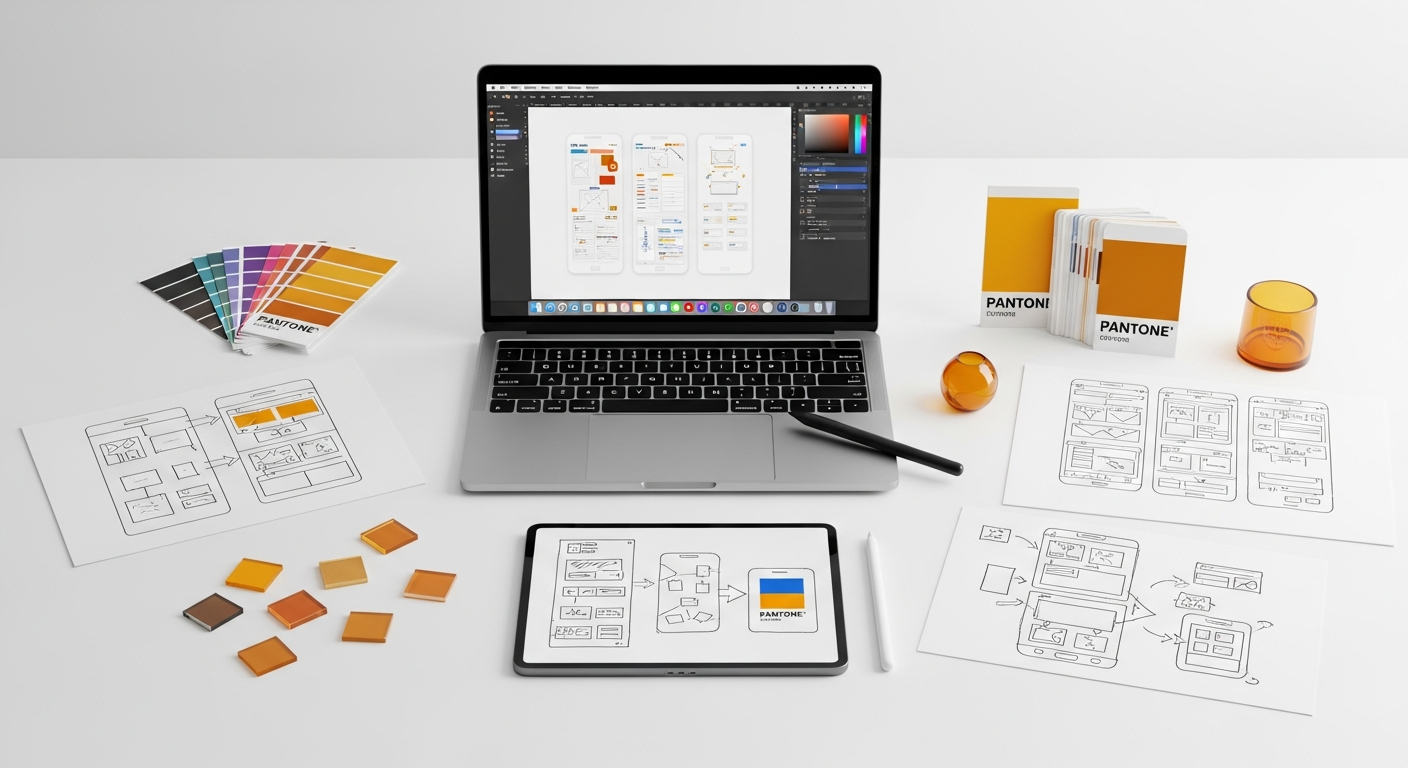
Effective Onboarding Flow Patterns: Your Blueprint to Reducing User Drop-Off
Imagine a user downloading your app or signing up for your service, brimming with anticipation. If their initial interaction doesn’t clearly articulate value, guide them effectively, or feel intuitive, that anticipation quickly sours into frustration. This article delves deep into the most effective onboarding flow patterns that not only introduce users to your product but also actively work to reduce that dreaded drop-off. We’ll explore strategic approaches, foundational principles, practical tools, and common pitfalls, equipping you with the knowledge to craft onboarding experiences that convert curious visitors into loyal users.
The Criticality of First Impressions: Why Onboarding Matters So Much
User onboarding is far more than a simple tutorial or a series of welcome screens; it’s a strategic process designed to introduce new users to your product, help them understand its core value, and guide them towards their “aha!” moment – the point where they truly grasp how your product solves their problem or fulfills a need. Neglecting this crucial phase is akin to building a magnificent house but forgetting to put up a clear sign for the entrance or provide directions to the living room.
The stakes are incredibly high. Research consistently shows that a significant percentage of users abandon an app or service within the first few days, often due to a poor initial experience. This early drop-off isn’t just a missed opportunity; it represents wasted marketing spend, lost potential revenue, and a dent in your product’s overall success metrics. Think about the resources invested in acquiring each user – from advertising campaigns to content marketing. If a substantial portion of these users churn immediately, your return on investment plummets.
Effective onboarding, conversely, lays the groundwork for long-term user retention, increased product adoption, and ultimately, business growth. When users successfully navigate their initial journey, they are more likely to:
- Understand the product’s value proposition quickly.
- Complete key actions that lead to deeper engagement.
- Return to the product multiple times.
- Become advocates, recommending it to others.
- Convert into paying customers if it’s a freemium or trial model.
Core Principles for Crafting Engaging Onboarding Experiences

Before diving into specific patterns, it’s essential to understand the foundational principles that underpin any successful onboarding flow. These principles act as your compass, guiding your design decisions to ensure a user-centric and effective experience.
- Clarity of Value Proposition: Users need to know “what’s in it for me?” immediately. Your onboarding should clearly articulate the primary benefit your product offers and how it solves a user’s problem. Don’t make them guess; state it upfront and reinforce it throughout the initial journey.
- User-Centricity: Design for your specific audience. Understand their goals, pain points, and existing mental models. What do they need to achieve? What might confuse them? Tailor the experience to their needs, not just your product’s features.
- Minimize Cognitive Load: New users are easily overwhelmed. Break down complex tasks into smaller, manageable steps. Avoid information overload, unnecessary jargon, or too many choices at once. Apply the principle of progressive disclosure, revealing information only when it’s relevant and necessary.
- Provide Clear Guidance and Feedback: Users should always know where they are, what they need to do next, and if their actions were successful. Use visual cues, progress indicators, clear instructions, and immediate feedback (e.g., success messages, error states) to build confidence.
- Celebrate Small Wins: Acknowledge a user’s progress and accomplishments, no matter how minor. Completing a profile step, adding their first item, or connecting an account – these are all opportunities for positive reinforcement that encourage continued engagement.
- Enable Skipping and Self-Pacing: While guidance is good, forced tours can be frustrating. Offer options to skip or revisit parts of the onboarding. Allow users to move at their own pace and explore independently if they prefer. This respects their autonomy and caters to different learning styles.
- Focus on “Doing,” Not Just “Telling”: The best way for users to understand your product is by actually using it. Design interactive onboarding that encourages hands-on engagement with core features, rather than passive reading or watching.
By adhering to these principles, you create a supportive and intuitive environment where users feel empowered, not frustrated, setting the stage for higher activation and retention rates. Consider these as the bedrock upon which all successful onboarding patterns are built, ensuring every design decision moves users closer to their “aha!” moment.
Exploring Effective Onboarding Flow Patterns to Combat Drop-Off
With foundational principles in mind, let’s explore specific onboarding flow patterns that have proven effective in guiding users and reducing drop-off. Each pattern serves a unique purpose and can be combined or adapted based on your product’s complexity and user needs.
Progressive Disclosure & Contextual Onboarding
This pattern focuses on revealing information and features only when they are relevant to the user’s current task or stage. Instead of dumping all features at once, you guide users through essential steps, unlocking more advanced functionalities as they progress. This significantly reduces cognitive load and allows users to learn by doing.
- How it works:
- Initial setup focuses only on critical information (e.g., username, password).
- New features are highlighted with tooltips or overlays only when a user is likely to need them.
- Complex settings are nested in advanced menus, only accessible after basic setup.
- When to use it: For products with many features or a steep learning curve. Ideal for complex dashboards, productivity tools, or professional software where mastery comes with time.
- Example: A project management tool might first guide you to create your first project, then introduce task assignment, and later, advanced reporting features.
Personalized & Adaptive Onboarding
Personalization tailors the onboarding experience based on a user’s stated goals, roles, or initial actions. By asking a few strategic questions upfront (e.g., “What do you want to achieve with our product?”, “What’s your role?”), you can customize the feature set, tutorial path, or content they see.
- How it works:
- Initial survey questions or role selection.
- Dynamic content or feature suggestions based on user input.
- Customized dashboards or default settings reflecting user preferences.
- When to use it: Products with diverse user segments (e.g., B2B software with different user roles, fitness apps with varying goals). It immediately makes the product feel relevant.
- Example: A design tool might ask if you’re a graphic designer, UI designer, or illustrator, then show relevant templates and tutorials.
Interactive & Gamified Onboarding
This pattern makes learning engaging and rewarding. It transforms onboarding into a series of mini-tasks, challenges, or a checklist, often with progress indicators, badges, or celebratory animations for completion. The goal is to encourage active participation rather than passive consumption.
- How it works:
- Checklists of “first steps” (e.g., “Complete your profile,” “Invite a team member”).
- Mini-games or interactive tutorials that require user input.
- Progress bars, points, or virtual rewards for completing onboarding tasks.
- When to use it: Great for consumer apps, social platforms, or any product that benefits from high engagement. It can make even mundane tasks feel more enjoyable.
- Example: A language learning app might have you complete your first lesson as part of onboarding, showing your progress and awarding “XP.”
Empty States & Microinteractions
Empty states are screens or sections of your product that are devoid of content, often because the user hasn’t created anything yet (e.g., an empty inbox, an empty project list). These are prime opportunities for onboarding. Microinteractions are small, delightful animations or responses that provide immediate feedback and guidance.
- How it works:
- Empty states provide instructional text, illustrations, and clear calls to action to guide users on how to populate the area.
- Microinteractions (e.g., a subtle animation when a task is completed, a gentle shake on an invalid input) provide instant feedback and make the interface feel more alive.
- When to use it: Essential for any product where users generate content. It prevents initial confusion and encourages the first key action. Microinteractions enhance usability everywhere.
- Example: An empty photo gallery might display “No photos yet! Tap here to upload your first image” with an inviting illustration.
Streamlined Sign-up & Account Creation
The very first step for many users is signing up. Any friction here can lead to immediate drop-off. This pattern focuses on making the initial account creation process as smooth, quick, and painless as possible.
- How it works:
- Minimal required fields.
- Social login options (Google, Apple, Facebook).
- Clear and immediate validation of input fields.
- Contextual help for passwords or complex fields.
- Single Sign-On (SSO) for enterprise solutions.
- When to use it: Always. A difficult sign-up process is a universal drop-off point. Adhering to WCAG guidelines for form accessibility ensures a wider audience can complete this crucial step.
- Example: Offering “Continue with Google” or “Sign up with Apple” to leverage existing credentials and reduce typing.
By thoughtfully applying these patterns, you can design an onboarding experience that not only educates but also delights and retains your users, transforming initial curiosity into lasting loyalty. Remember, the best pattern is often a thoughtful combination tailored to your unique product and user base.
Strategic Tools and Methodologies for Onboarding Design and Optimization

Designing an effective onboarding flow is an iterative process that requires a blend of creative design, user research, and data analysis. Fortunately, a robust ecosystem of tools and methodologies can support you at every stage, from conceptualization to continuous improvement.
Design and Prototyping Tools
These are your primary playgrounds for conceptualizing and visualizing onboarding flows.
- Figma: An industry standard for collaborative UI/UX design. Its prototyping features allow you to create interactive onboarding flows, complete with microinteractions and conditional logic, enabling you to test the user journey before development.
- Sketch: A powerful vector editor for macOS, popular for its plugin ecosystem. While it requires companion tools for advanced prototyping, it’s excellent for crafting detailed UI elements and screens.
- Adobe XD: Offers a comprehensive suite for design, prototyping, and sharing. It’s particularly strong for creating animated transitions and microinteractions, which are crucial for dynamic onboarding experiences.
User Research and Testing Tools
Understanding how real users interact with your onboarding is invaluable for identifying pain points and areas for improvement.
- Maze: An unmoderated user testing platform that allows you to quickly gather insights on prototypes and live products. You can set up tasks related to onboarding (e.g., “Complete the setup process,” “Find X feature”) and get quantitative data (success rate, time on task) and qualitative feedback.
- UserTesting.com / Lookback: For moderated usability testing, allowing you to observe users in real-time, ask follow-up questions, and gain deeper qualitative insights into their thought process during onboarding.
- Hotjar: Provides heatmaps, session recordings, and surveys for live products. Watching session recordings of new users navigating your onboarding can reveal exactly where they get stuck, hesitate, or abandon the process. Heatmaps can show where they click or ignore elements.
Analytics and A/B Testing Platforms
Once your onboarding is live, data becomes your best friend. These tools help you track performance and make data-driven decisions.
- Google Analytics / Mixpanel / Amplitude: Essential for tracking key onboarding metrics like activation rates, drop-off points, time to value, and conversion funnels. You can segment users to understand how different groups perform.
- Optimizely / VWO: Platforms for A/B testing different versions of your onboarding flow. You can test variations in copy, imagery, number of steps, or entire patterns to see which performs best in terms of activation and retention.
Comparison of Onboarding Design & Optimization Tools
To help you choose, here’s a brief comparison of some key tools based on their primary use case:
| Tool | Primary Use Case | Key Features | Best For |
|---|---|---|---|
| Figma | Collaborative UI/UX Design & Prototyping | Real-time collaboration, robust prototyping, design system management, plugin ecosystem. | Designing interactive onboarding flows, team collaboration, high-fidelity prototypes. |
| Maze | Unmoderated User Testing & Prototype Validation | Automated usability testing, heatmaps, click maps, success rates, quantitative data collection. | Rapidly validating onboarding prototypes, identifying friction points early, iterative testing. |
| Hotjar | Behavioral Analytics & User Feedback | Heatmaps, session recordings, surveys, feedback widgets, conversion funnels. | Analyzing live user behavior during onboarding, identifying drop-off reasons, gathering qualitative feedback on live products. |
| Mixpanel / Amplitude | Product Analytics & Event Tracking | Event-based tracking, user funnels, retention analysis, cohort analysis, user segmentation. | Tracking activation rates, measuring time to value, understanding long-term retention post-onboarding. |
By integrating these tools and methodologies into your design process, you move beyond guesswork. You gain a clear, data-informed perspective on how your onboarding is performing and precisely where to focus your efforts for maximum impact on user retention.
Measuring Onboarding Success: Key Metrics and Analytics
Designing a brilliant onboarding flow is only half the battle; knowing if it’s actually working is the other, equally critical, half. Without proper measurement, you’re designing in the dark. Tracking key metrics allows you to identify bottlenecks, understand user behavior, and make data-driven decisions for continuous improvement. Here are the essential metrics you should be monitoring:
- Activation Rate: This is arguably the most crucial metric for onboarding. It measures the percentage of new users who complete a predefined “activation event” or reach their “aha!” moment within a specific timeframe. The activation event should be a core action that signifies a user has understood and adopted the product’s primary value.
- Example: For a social media app, it might be “posting their first update.” For a project management tool, “creating their first project.”
- Drop-off Rate at Each Onboarding Step: This metric helps you pinpoint exactly where users are abandoning the onboarding process. By tracking completion rates for each screen or task, you can identify specific friction points that need redesign.
- Method: Set up funnels in your analytics tool (e.g., Google Analytics, Mixpanel) to visualize the user journey through onboarding steps.
- Time to Value (TTV): How quickly do users experience the core benefit of your product? A shorter TTV generally correlates with higher activation and retention. Your onboarding should aim to accelerate this process.
- Measurement: The time elapsed from sign-up to the completion of the activation event.
- First-Time User Experience (FTUE) Completion Rate: The percentage of users who successfully complete the entire initial onboarding flow, including all guided tours, profile setups, and introductory tasks. While related to activation, this focuses on the journey itself.
- Retention Rates (Day 1, Day 7, Day 30): While not solely an onboarding metric, strong onboarding directly impacts early retention. A user who successfully activates is far more likely to return.
- Day 1 Retention: Percentage of users who return the day after signing up.
- Day 7 Retention: Percentage of users who return one week after signing up.
- Day 30 Retention: Percentage of users who return one month after signing up.
- Task Completion Rate (Specific Onboarding Tasks): For interactive or gamified onboarding, track how many users complete specific mini-tasks designed to teach core features.
- Example: “Percentage of users who successfully upload their first file,” or “Percentage of users who invite a team member.”
To effectively track these metrics, you’ll need to instrument your product with analytics events at key points in the onboarding journey. Tools like Mixpanel, Amplitude, or even Google Analytics can provide the necessary data visualization and segmentation capabilities. Regular review of these metrics, combined with qualitative insights from user testing (e.g., Hotjar session recordings, Maze reports), will empower you to continuously refine your onboarding and drive significant improvements in user engagement and retention.
Common Onboarding Pitfalls and How to Avoid Them
Even with the best intentions, onboarding flows can go awry. Recognizing common pitfalls is the first step towards avoiding them and ensuring your users have a smooth, positive introduction to your product. As a UI/UX designer, you must be vigilant against these traps:
- Information Overload: This is perhaps the most common mistake. Bombarding users with too many features, instructions, or options upfront leads to cognitive overload and immediate abandonment.
- Avoid: Embrace progressive disclosure. Introduce features contextually, only when needed. Prioritize the absolute essentials for initial setup.
- Mandatory, Unskippable Tours: While tours can be helpful, forcing users through a lengthy, unskippable walkthrough is frustrating, especially for experienced users or those who prefer to explore independently.
- Avoid: Always offer an obvious “Skip” option. Consider making tours optional or integrating contextual hints instead of a linear, forced path.
- Failing to Articulate the “Why” (Value Proposition): If users don’t understand how your product will benefit them early on, they won’t invest the time to learn it.
- Avoid: Clearly state the primary benefit and “aha!” moment upfront. Show, don’t just tell, how the product solves their problem or improves their life.
- Lack of Clear Progress and Feedback: Users need to feel in control and know where they stand. Ambiguity about progress or success can lead to frustration.
- Avoid: Implement clear progress indicators (e.g., “Step 1 of 3”). Provide immediate visual and textual feedback for every action, whether successful or an error.
- Poor Error Handling: Encountering an error during onboarding can be a major deterrent. Vague or unhelpful error messages are especially problematic.
- Avoid: Design clear, actionable error messages that explain what went wrong and how to fix it. Guide users back on track gracefully.
- Neglecting Accessibility: An onboarding flow that isn’t accessible to users with disabilities excludes a significant portion of your potential audience. This includes issues like poor color contrast, lack of keyboard navigation, or missing alt text.
- Avoid: Adhere to WCAG (Web Content Accessibility Guidelines) standards. Test your onboarding with screen readers, keyboard navigation, and ensure sufficient contrast.
- Asking for Too Much Information Too Soon: Requesting extensive personal data or permissions before a user has experienced value can feel intrusive and lead to abandonment.
- Avoid: Only ask for essential information during sign-up. Defer non-critical requests until later, after the user has engaged with the product and understands why the information is needed.
- Inconsistent Design Language: A disjointed visual and interaction design can make the onboarding feel unprofessional and untrustworthy.
- Avoid: Maintain a consistent design system (colors, typography, components, interaction patterns) throughout the onboarding, aligning with the rest of your product’s UI/UX. Reference design standards like Material Design or Apple Human Interface Guidelines.
By proactively addressing these common pitfalls, you can create an onboarding experience that is not only functional but also intuitive, welcoming, and ultimately, highly effective at reducing user drop-off and fostering long-term engagement.
Future-Proofing Your Onboarding: Trends and Best Practices
The digital landscape is constantly evolving, and so too should your approach to user onboarding. To ensure your onboarding remains effective and relevant, it’s crucial to stay abreast of emerging trends and continuously refine your strategies. Future-proofing your onboarding means designing for adaptability, intelligence, and continuous support.
AI-Driven Personalization
Beyond basic personalization based on user roles, AI and machine learning are enabling more dynamic and nuanced onboarding experiences. By analyzing user behavior patterns, preferences, and even emotional states, AI can adapt the onboarding flow in real-time. This could mean:
- Predictive Guidance: AI anticipates common roadblocks for similar user profiles and proactively offers help or adjusts the path.
- Smart Content Delivery: Tailoring not just features but also the actual content (text, images, videos) presented during onboarding to maximize relevance and engagement.
- Adaptive Difficulty: Adjusting the pace or complexity of onboarding tasks based on a user’s demonstrated proficiency.
Conversational UI and Chatbots
Integrating conversational interfaces into onboarding can make the process feel more natural and less like filling out a form. Chatbots can guide users through setup, answer questions, and even help them complete initial tasks in a friendly, interactive dialogue.
- Guided Conversations: A bot can ask questions to understand user needs and then dynamically present the most relevant features or steps.
- Instant Support: Users can get immediate answers to their onboarding questions without leaving the flow, reducing frustration.
- Human-like Interaction: A well-designed conversational UI can inject personality and warmth into an otherwise sterile process.
Continuous Onboarding and In-App Guidance
The “first-time user experience” shouldn’t end after the initial sign-up. True onboarding is a continuous process that supports users as they explore more advanced features, encounter new workflows, or simply need a refresher. This involves:
- Contextual Tooltips: Providing helpful hints that appear only when a user hovers over or interacts with a new or underutilized feature.
- Feature Discovery: Gently nudging users towards advanced functionalities they might benefit from, based on their usage patterns.
- Help Centers and Knowledge Bases: Easily accessible within the product, offering on-demand support and tutorials for all features.
- Empty States as Opportunity: As previously mentioned, using empty states to guide users on how to populate new areas of the application.
Emphasis on Ethical Design and Privacy
As privacy concerns grow, transparent and ethical onboarding becomes paramount. Users are increasingly wary of products that demand excessive personal data without clear justification. Your onboarding should:
- Be Transparent: Clearly explain why certain information is requested and how it will be used.
- Offer Control: Allow users to manage their privacy settings upfront.
- Build Trust: Demonstrate a commitment to user privacy from the very first interaction.
By embracing these trends and best practices, you can design onboarding flows that are not only effective today but also resilient and adaptable to the future needs of your users and the evolving technological landscape. The goal is to create an experience that feels intelligent, supportive, and continuously valuable, fostering a long-lasting relationship between